A voice
A child's first words, a laugh, a story told at the kitchen table.
Keep the echoes of the moments you never want to lose — your child's voice, the hum of a market, a temple in Japan, rain at home. A private library of sound memories, with photos and places.
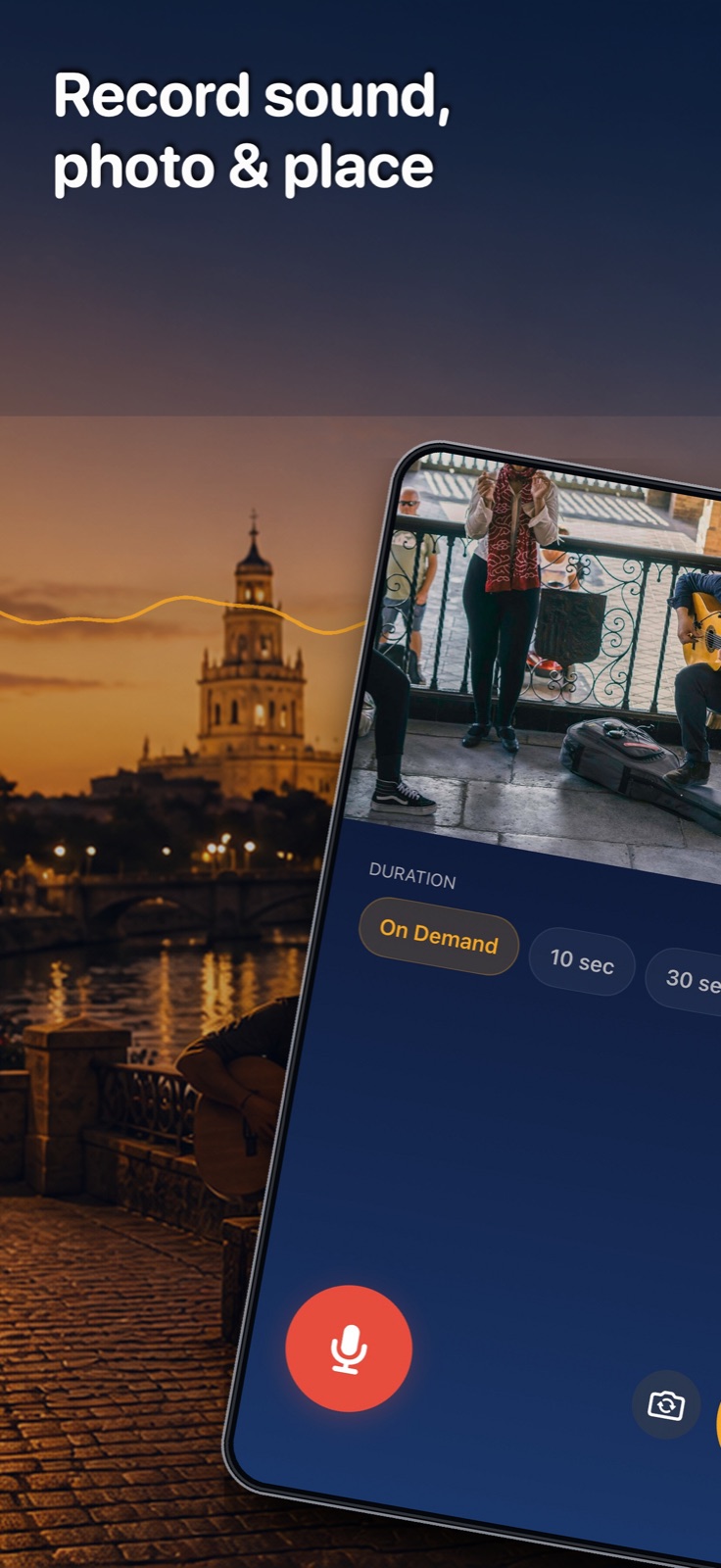
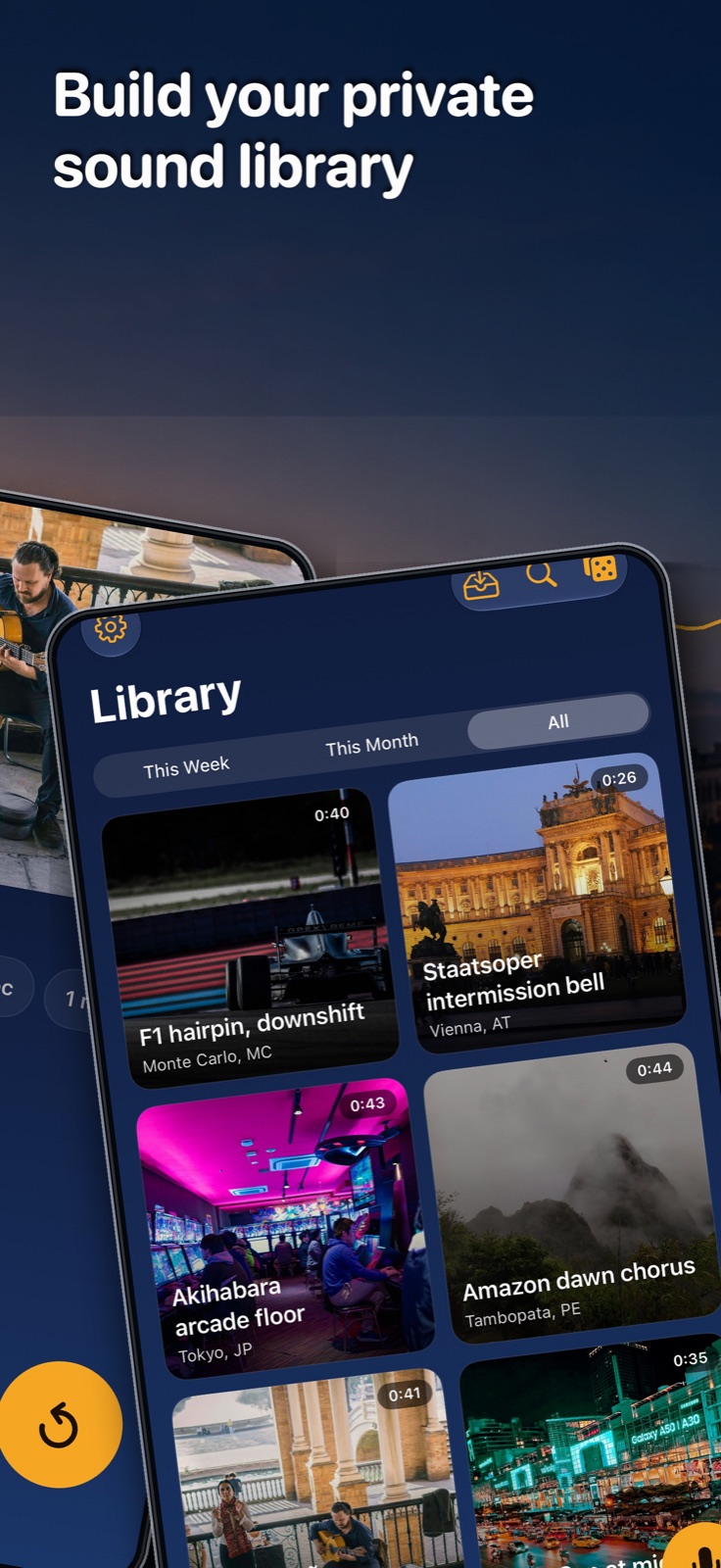
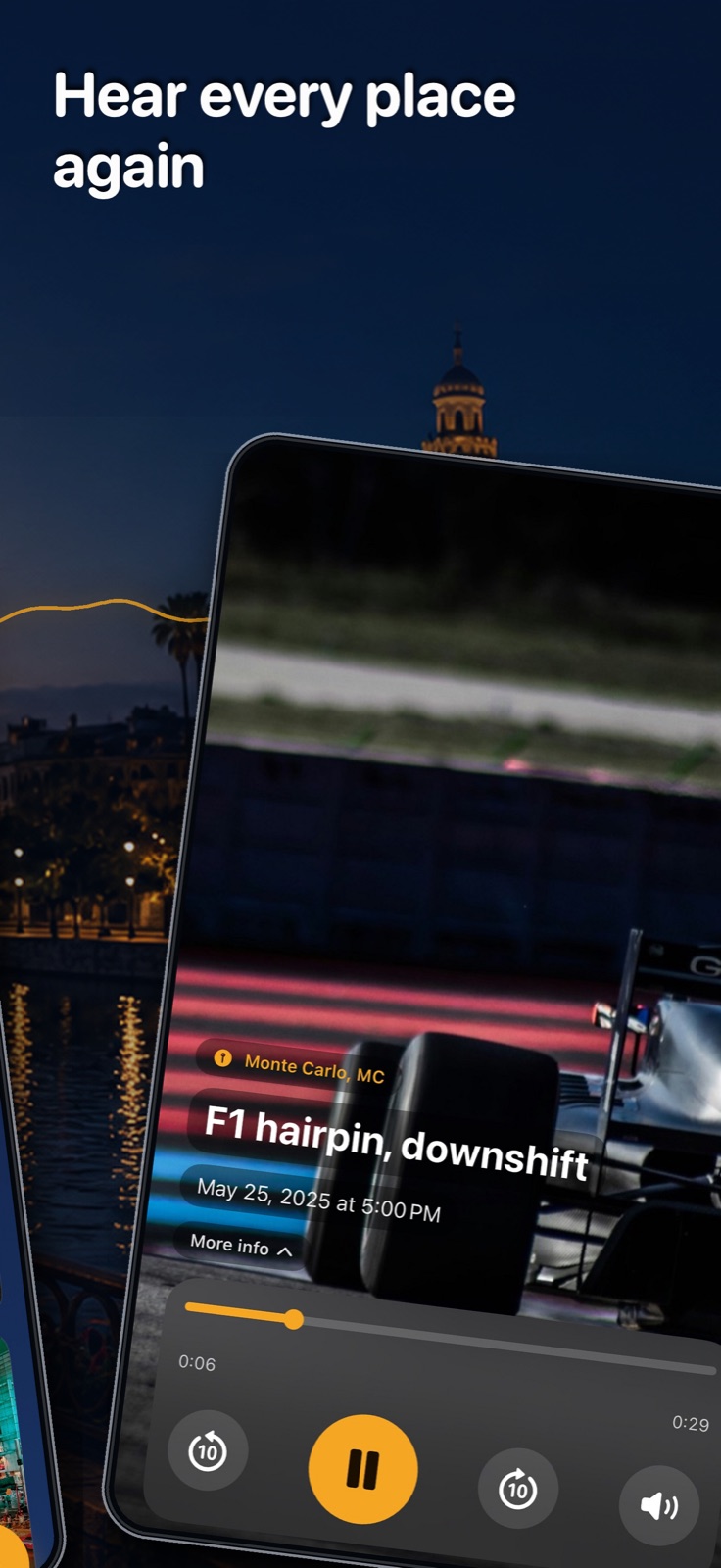
Preview of the next update. The version currently available on the App Store is 2.0.5.
A quicker way to start, clearer feedback while you record, and more room to listen.
Version 2.1 will support 13 languages, adding Traditional Chinese, Korean, Thai and Vietnamese.
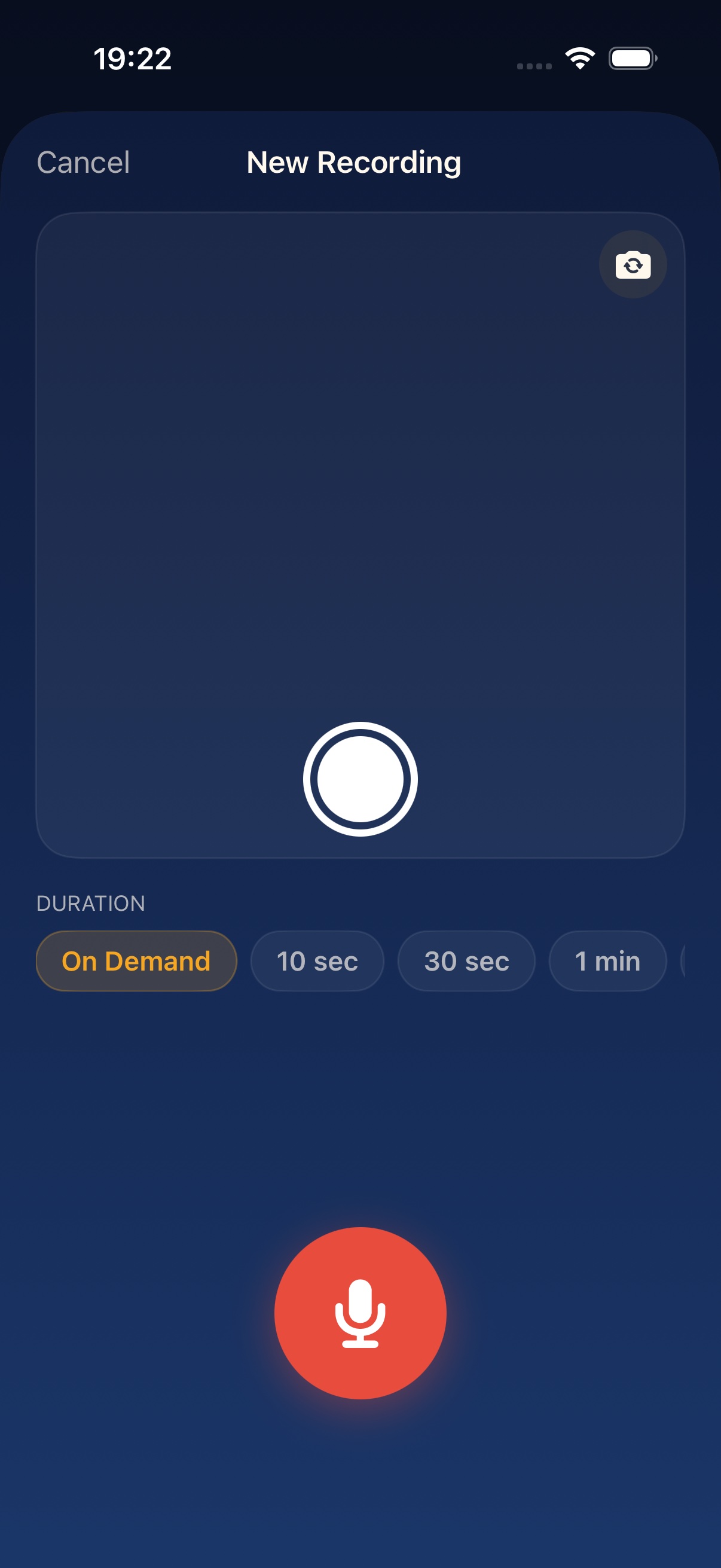
Start audio automatically, watch the two-second photo countdown, and take a replacement photo while recording. Check your microphone, input level and elapsed time down to milliseconds.
Start with the waveform widget, a Lock Screen control, the Action button or a shortcut. Follow the recording on the Lock Screen and Dynamic Island, and stop it there. Stopped recordings are kept as editable drafts, even without a title; Discard removes the draft.
Tap the location arrow to explore your city; hold it to zoom to your current location. Connect a group's recordings with dashed lines only when you choose to. Playback returns you to your previous map view when it finishes.
With Reduce Motion enabled, map zooms and pulsing pins give way to a calmer view with a distinct playing-pin color.
On a partially folded iPhone Duo, keep the map beside your recording or the photo above its controls. In landscape, the recording and photo buttons sit on opposite sides for your thumbs. Open the phone flat to return to the familiar layout.
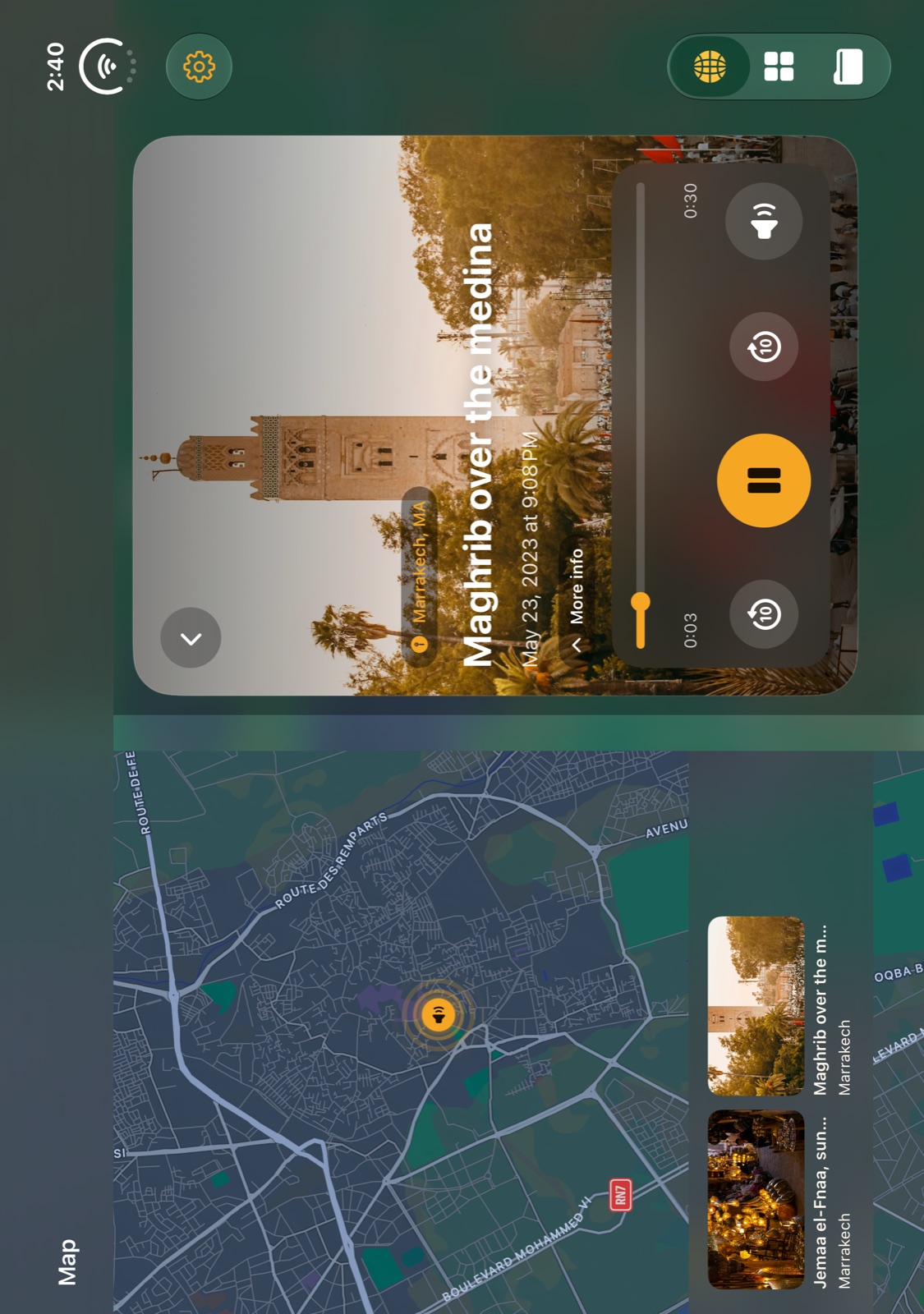
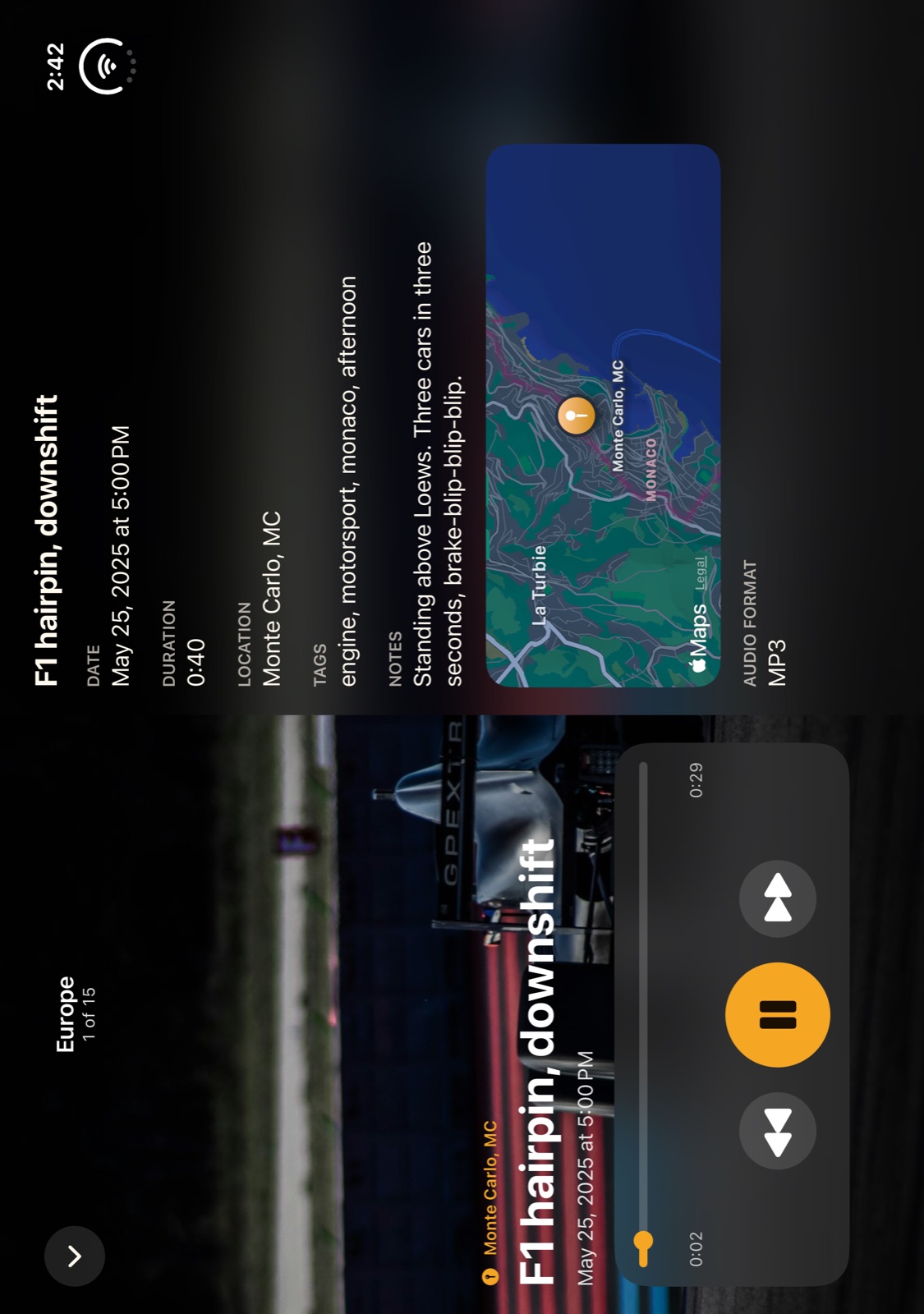
iPhone Duo simulator captures; these examples show the English interface. Tap an image to view it larger.
A photo brings back what you saw. A sound brings back the whole moment — the voices, the distance, the air and the life around it.
Capture it in one tap, add a photo and GPS, then let it return from your library, map, widget or a Sound Anniversary years later.
A private audio journal and ambient sound recorder: every field recording becomes a sound memory, tied to its photo and place.
A child's first words, a laugh, a story told at the kitchen table.
The hum of a market, bells in a Japanese temple, waves from a journey.
Rain at home, a city waking up, birds outside a familiar window.
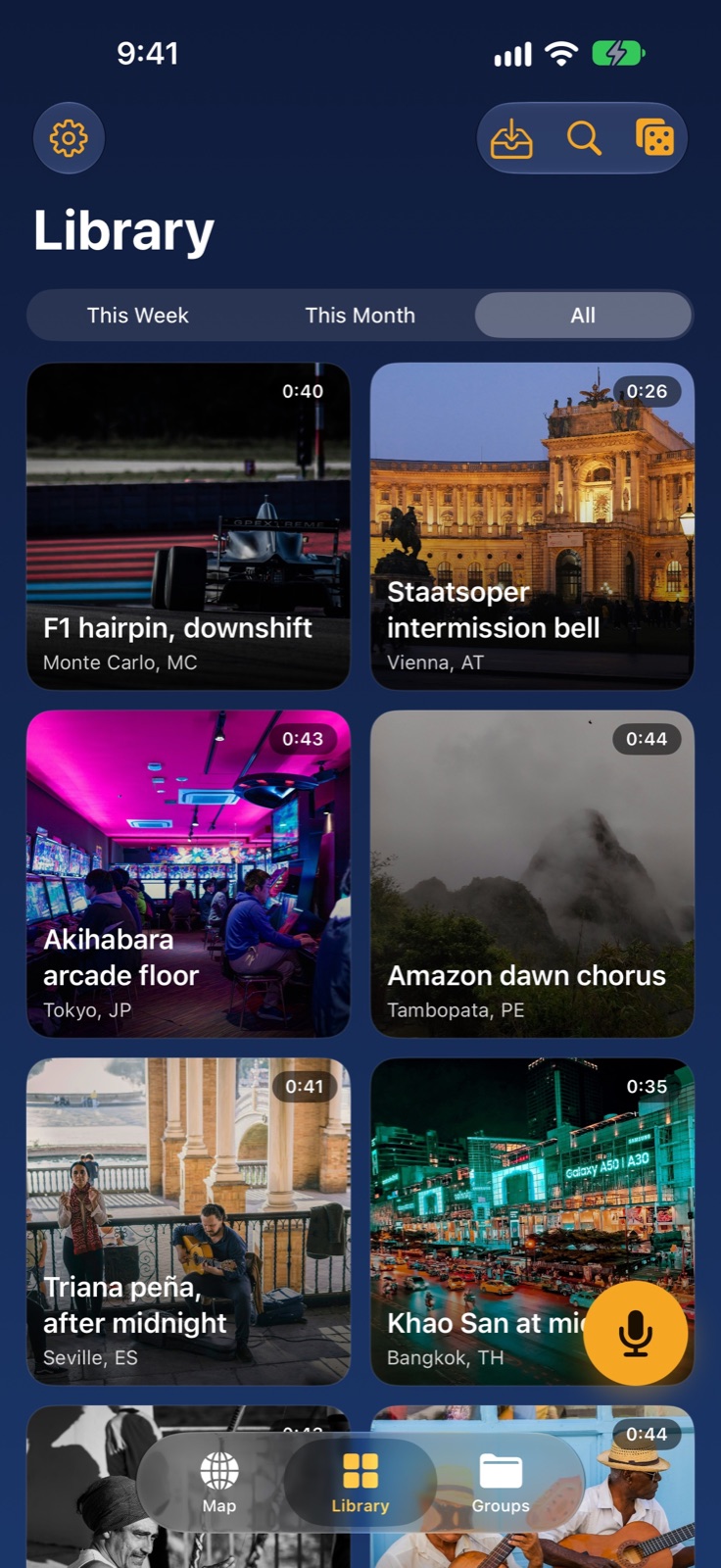
List, grid and full-screen playback with the photo as the backdrop — your whole archive, beautifully browsable.
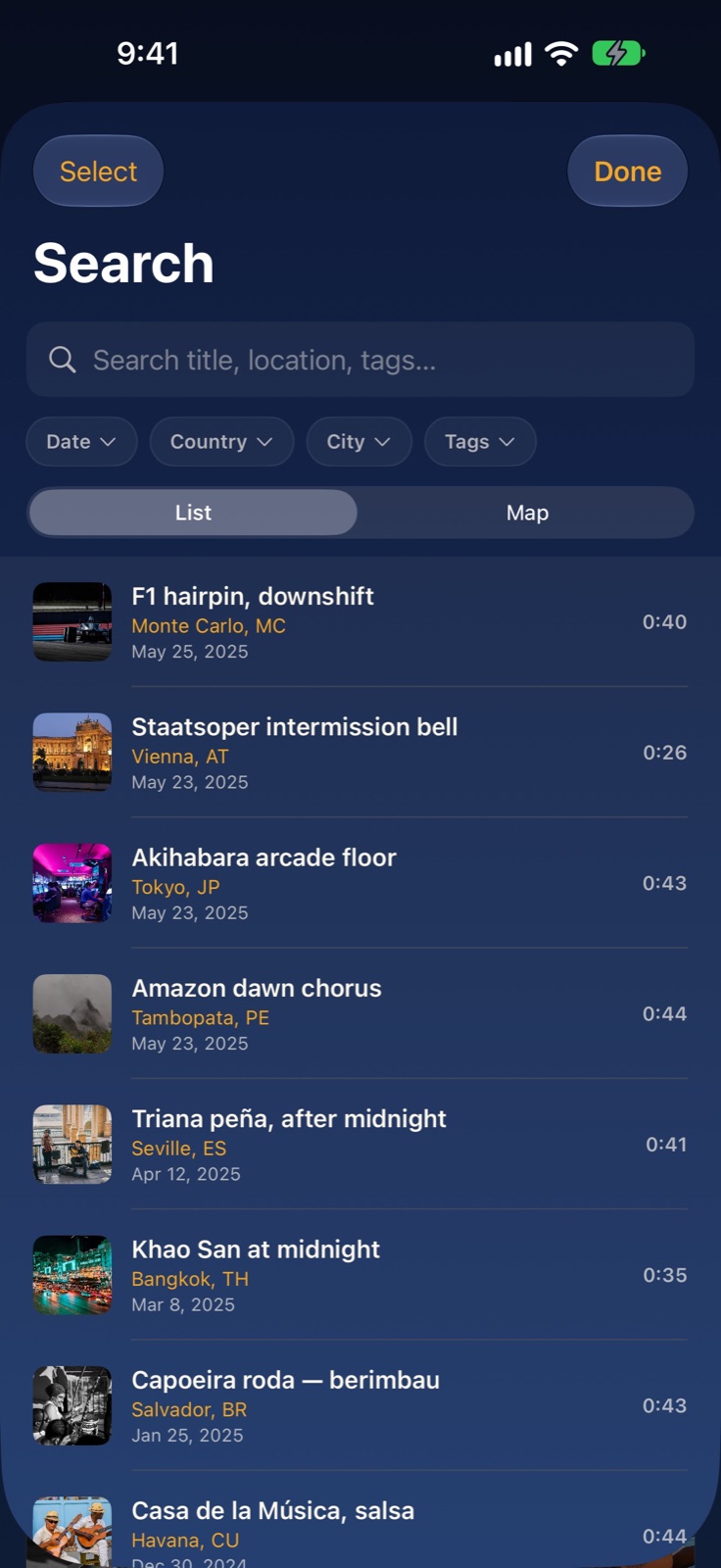
Find any moment by title, place, tags or date. The whole library is instantly searchable.
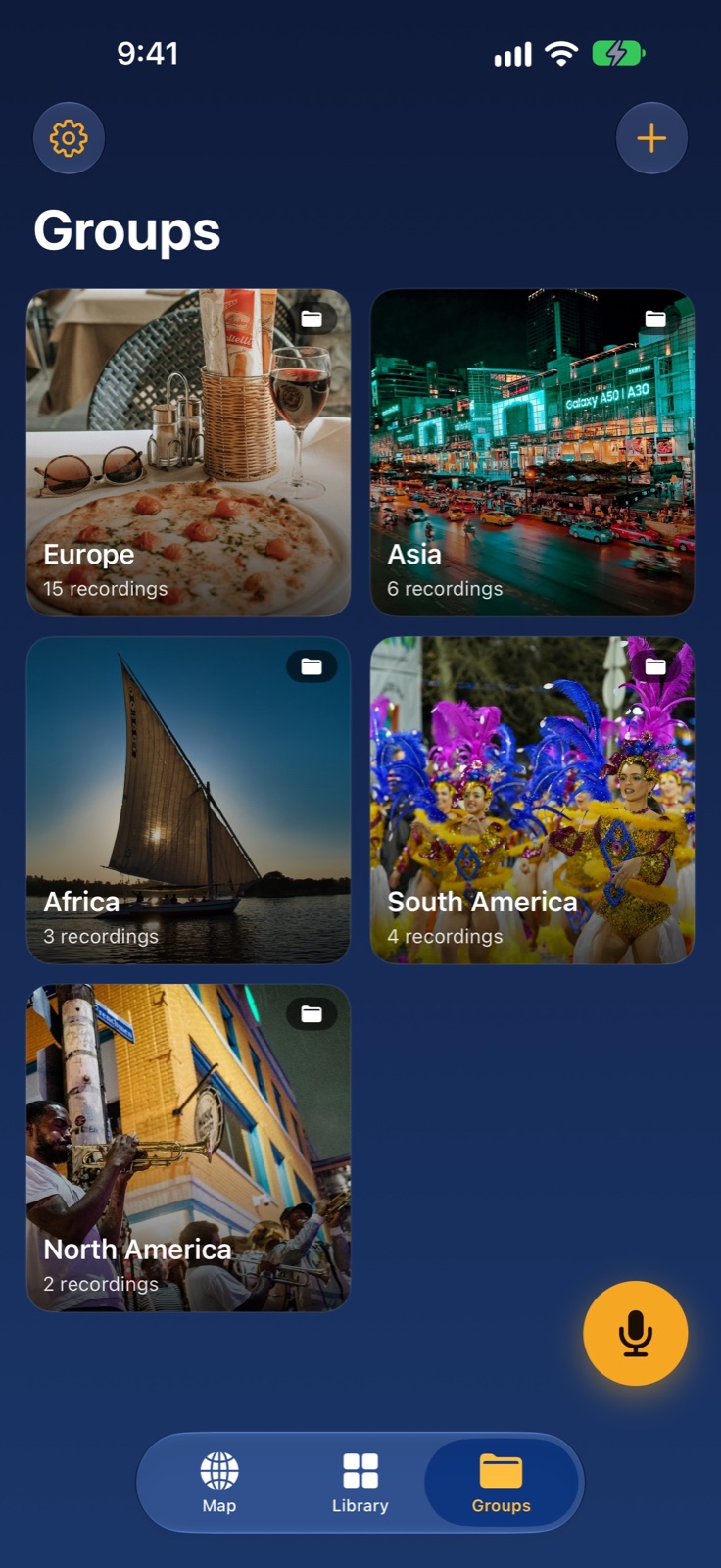
Bundle related recordings into collections — a trip, a season, a mood — each with its own generated map illustration.
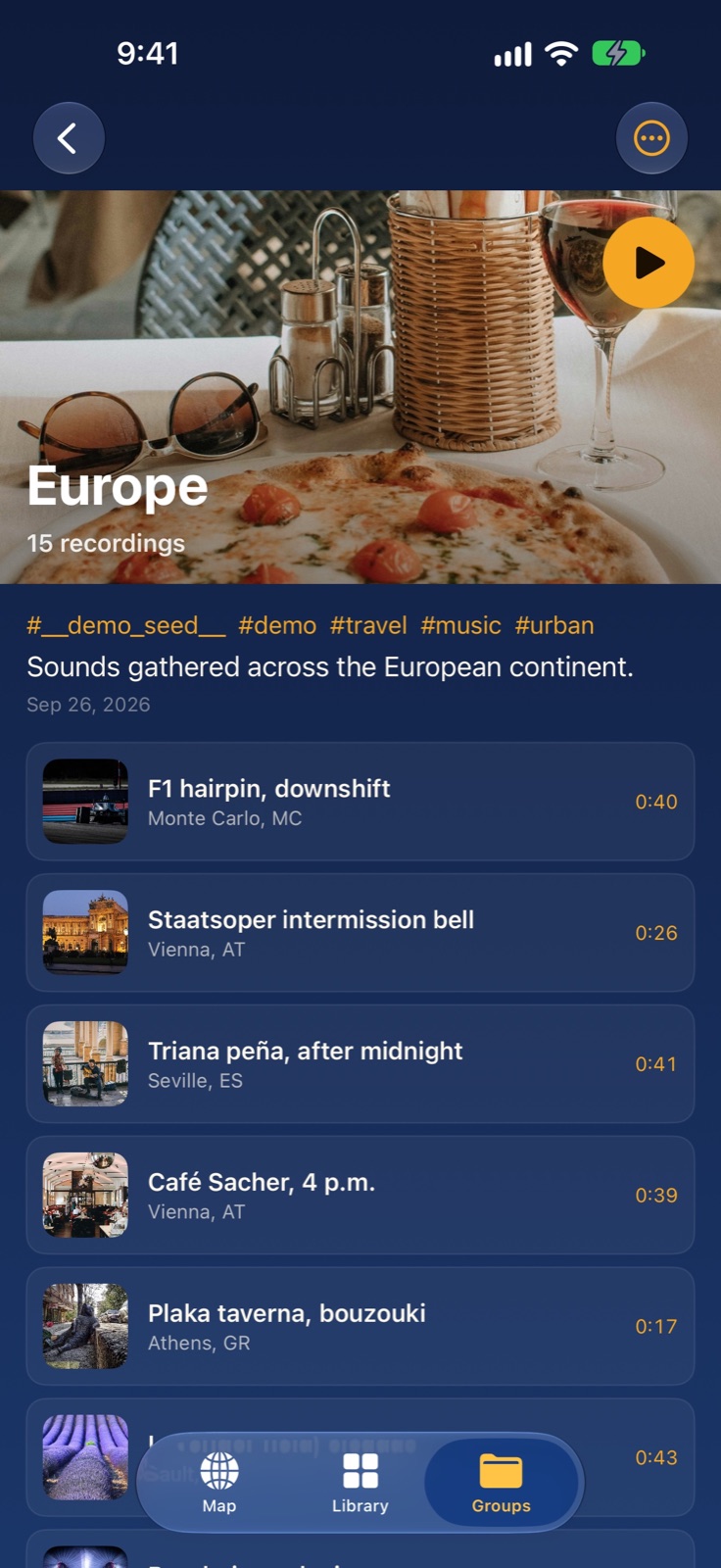
Inside a group, see every recording on a map, play them as a playlist, and share the whole set as a .soniclib bundle.
Every recording with a GPS tag can hand you turn-by-turn directions back to the place it was made. Long-press a card in your library, tap the “…” menu on Playback, or tap the pin on the in-app map, then choose “I want to go there”. Apple Maps opens by default; if Google Maps is also installed you can pick your preferred app each time.
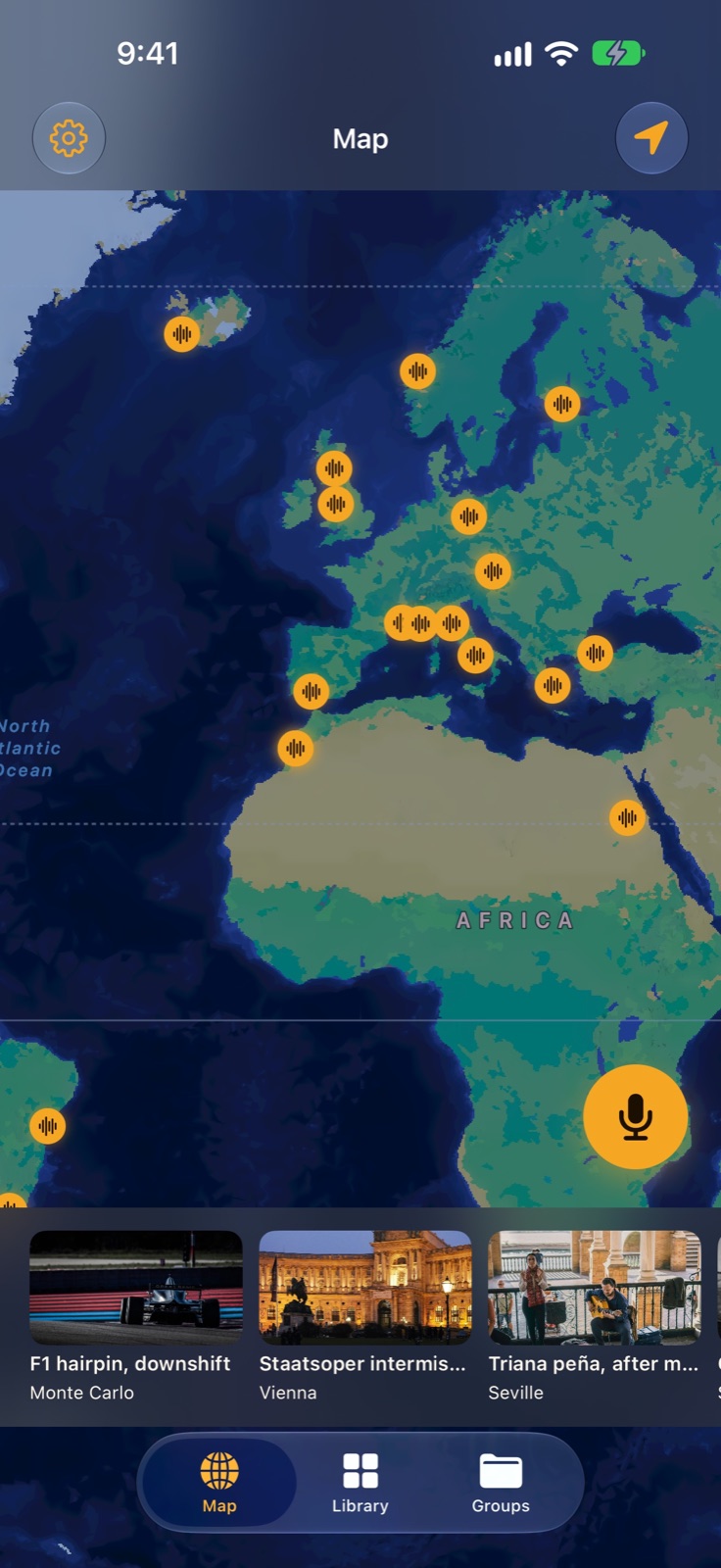
A photo shows the square. A recording brings back its bells, footsteps and conversations in the distance. Collect a few short sound memories during a trip, then return to them through your library or map.
Read the guide →The pauses, expressions and laughter are part of the story. Start with one relaxed conversation, not a formal interview. Ekkoes lets you keep the recording in a personal sound library, with an optional photo and place.
Read the guide →Your private library stays on your device and in your own iCloud account. Sharing and music identification happen only when you choose those features. Ekkos does not sell personal data or track your audio for advertising.