A voice
A child's first words, a laugh, a story told at the kitchen table.
Record waves, a market or a familiar voice on iPhone and iPad. Add a photo and a place, then find your sound memories in your library or on the map.
You photograph the view. Keep what you heard, too: the harbour, village bells, a conversation along the way.
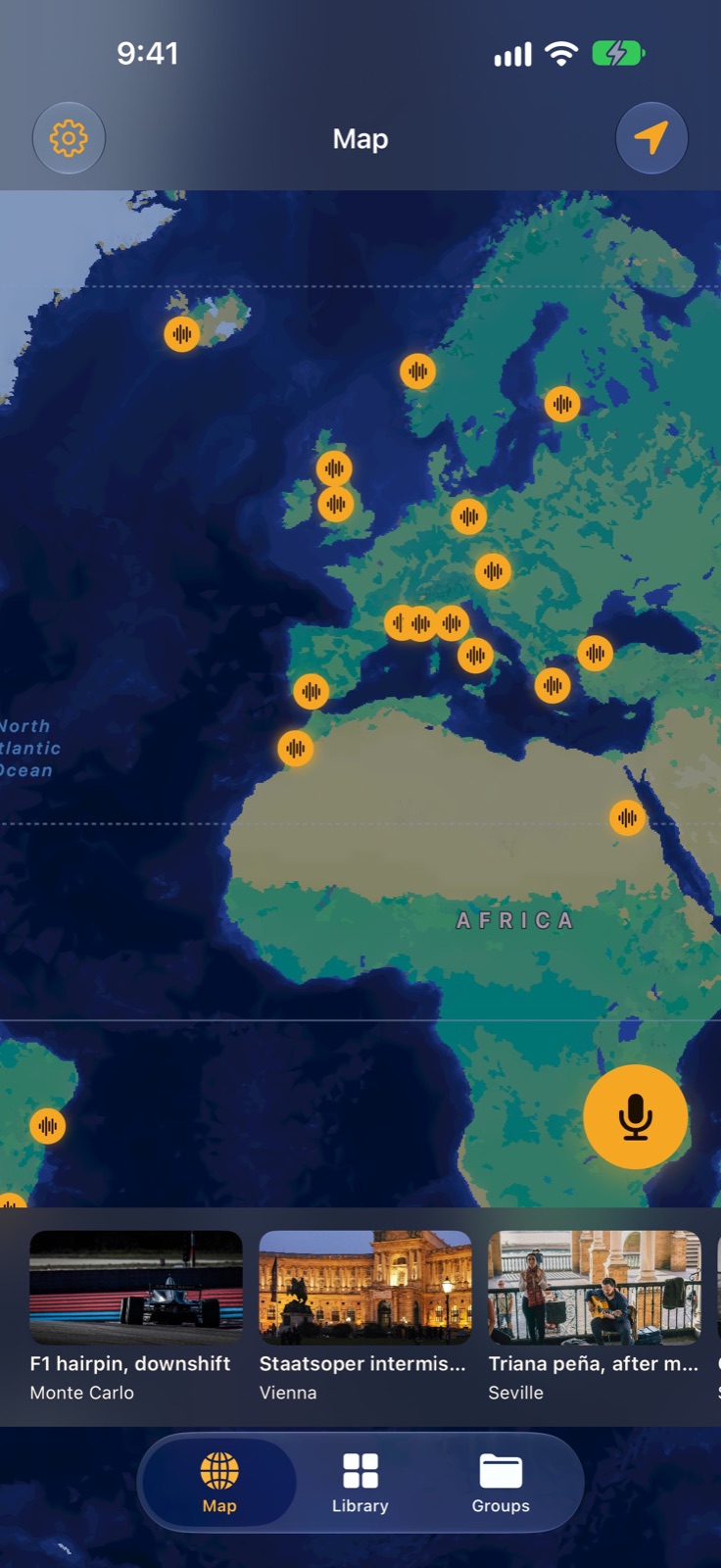
Record a moment, optionally add a photo and your location, then listen again from your map or library. Group the sounds of a trip to keep its memories together.
A private audio journal and ambient sound recorder: every field recording becomes a sound memory, tied to its photo and place.
A child's first words, a laugh, a story told at the kitchen table.
The hum of a market, bells in a Japanese temple, waves from a journey.
Rain at home, a city waking up, birds outside a familiar window.
A photo shows the square. A recording brings back its bells, footsteps and conversations in the distance. Collect a few short sound memories during a trip, then return to them through your library or map.
Record and organise →The pauses, expressions and laughter are part of the story. Start with one relaxed conversation, not a formal interview. Ekkoes lets you keep the recording in a personal sound library, with an optional photo and place.
Prepare and record →Ekkoes · iPhone Duo
On a partially folded iPhone Duo, keep the map beside your recording or the photo above its controls. In landscape, the recording and photo buttons sit on opposite sides for your thumbs. Open the phone flat to return to the familiar layout.
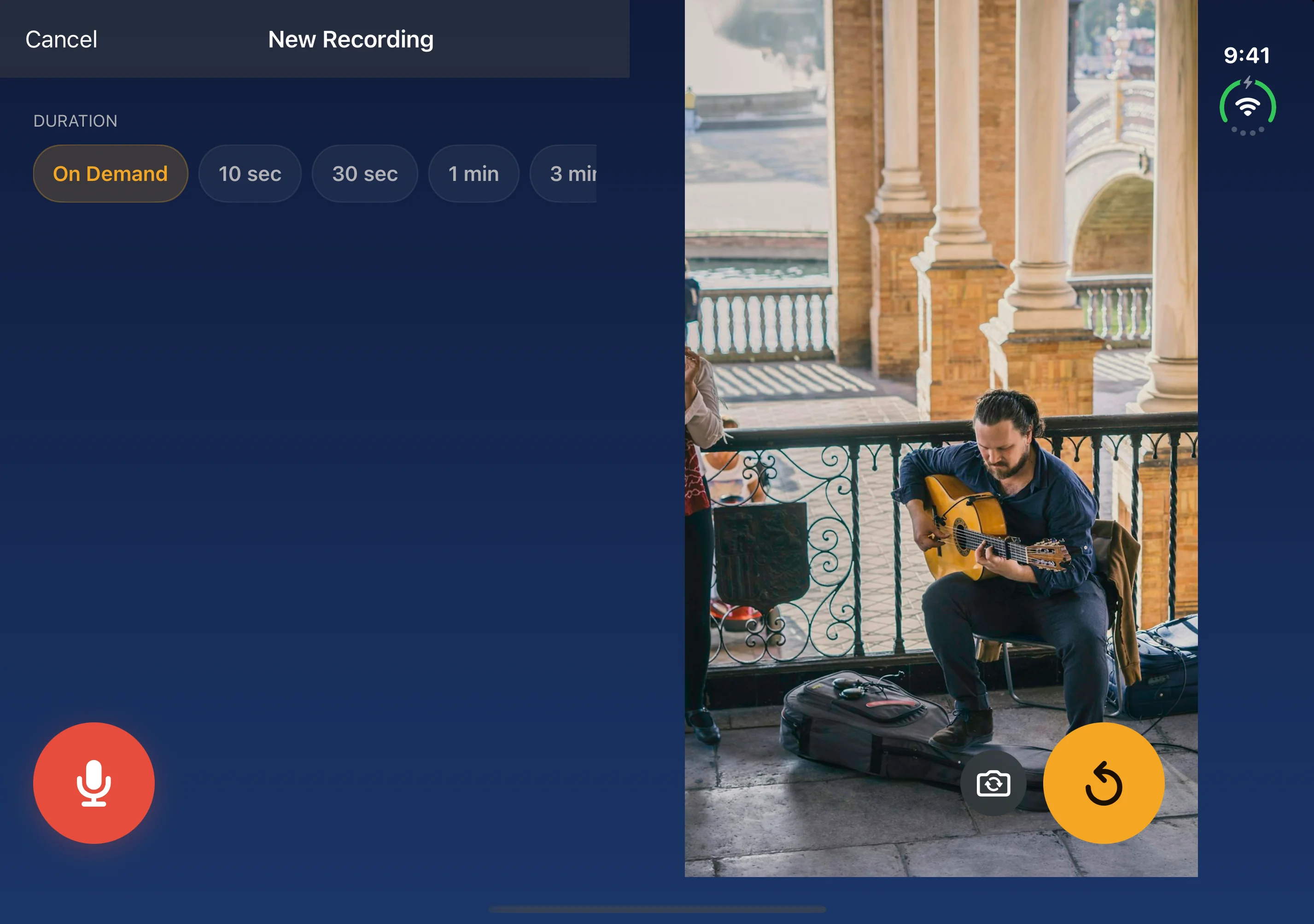
In landscape, the microphone and camera buttons sit on opposite sides of the screen.
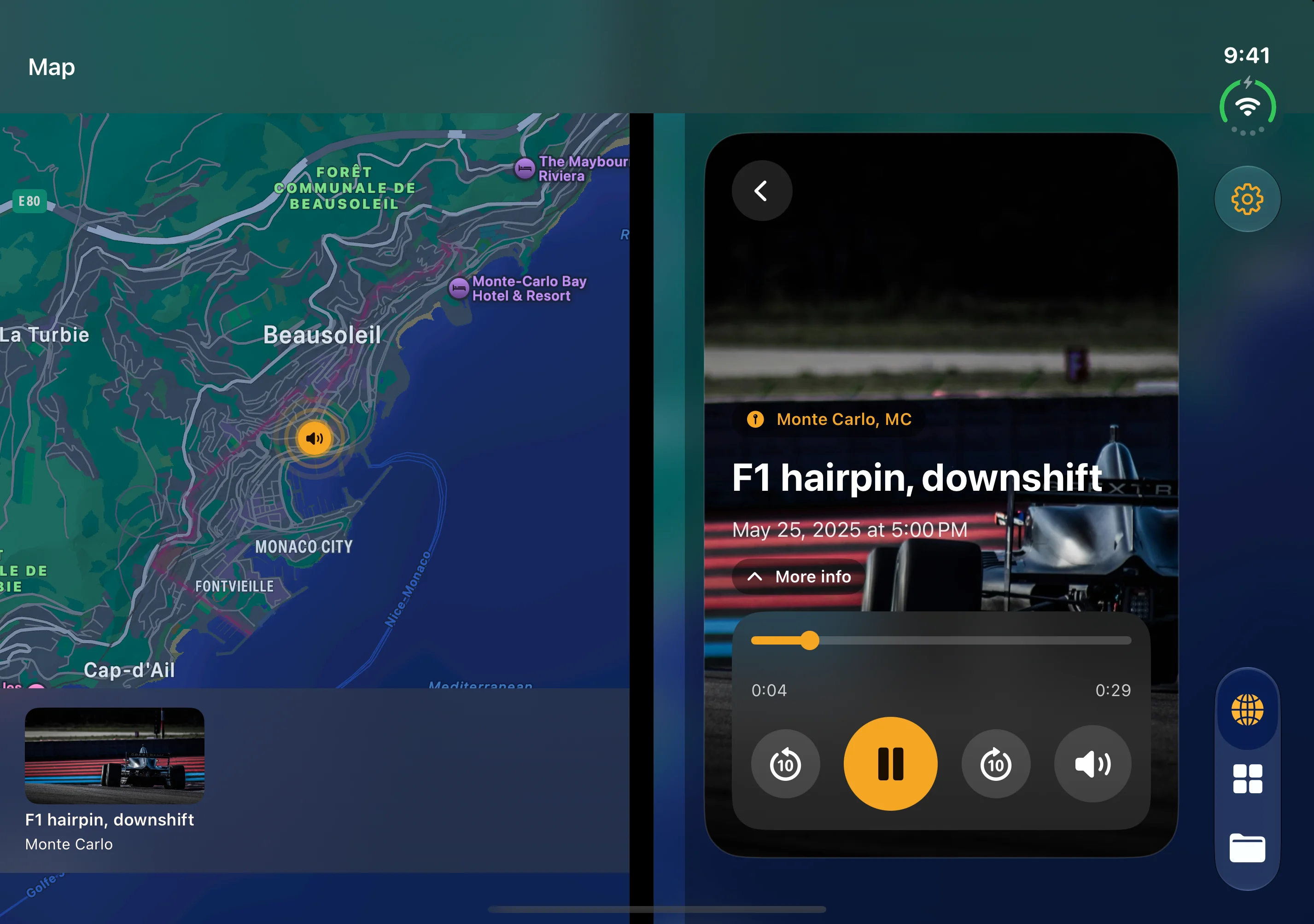
Keep the pin in view while you listen to the recording beside it.
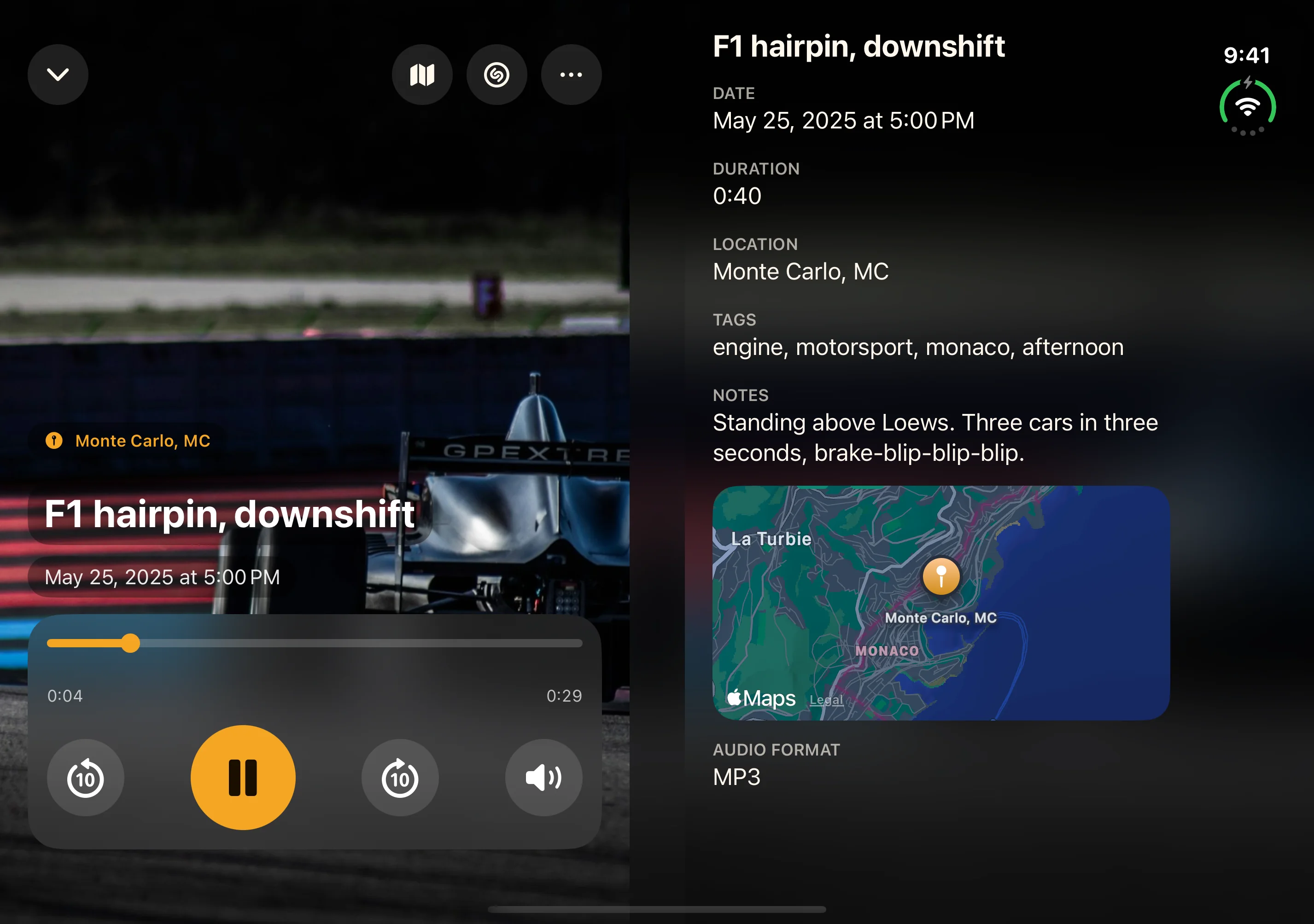
Read your notes and see where you were while the recording plays.
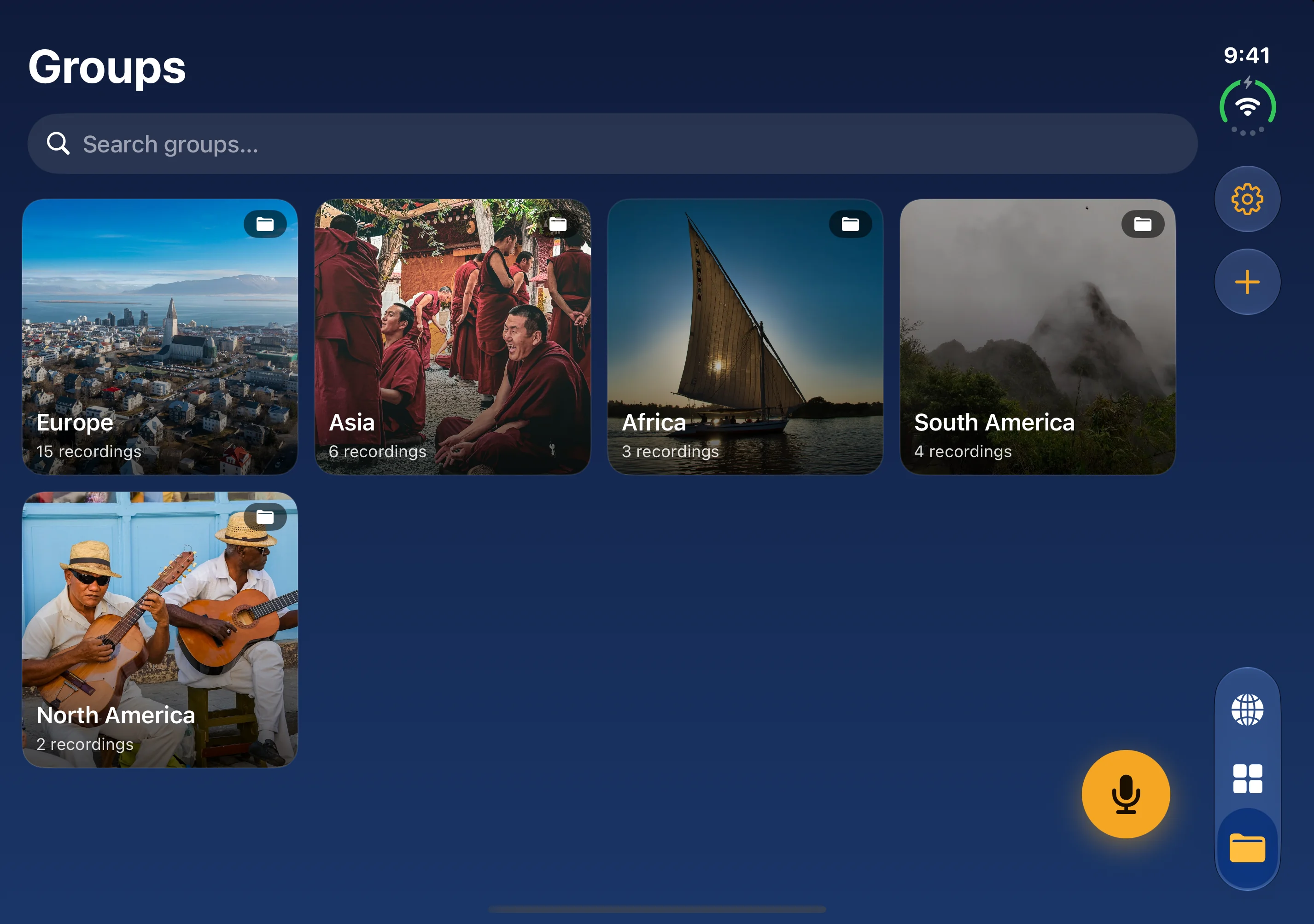
Browse group covers across the wider screen and open the trip you want to hear.
Ekkoes · iPhone
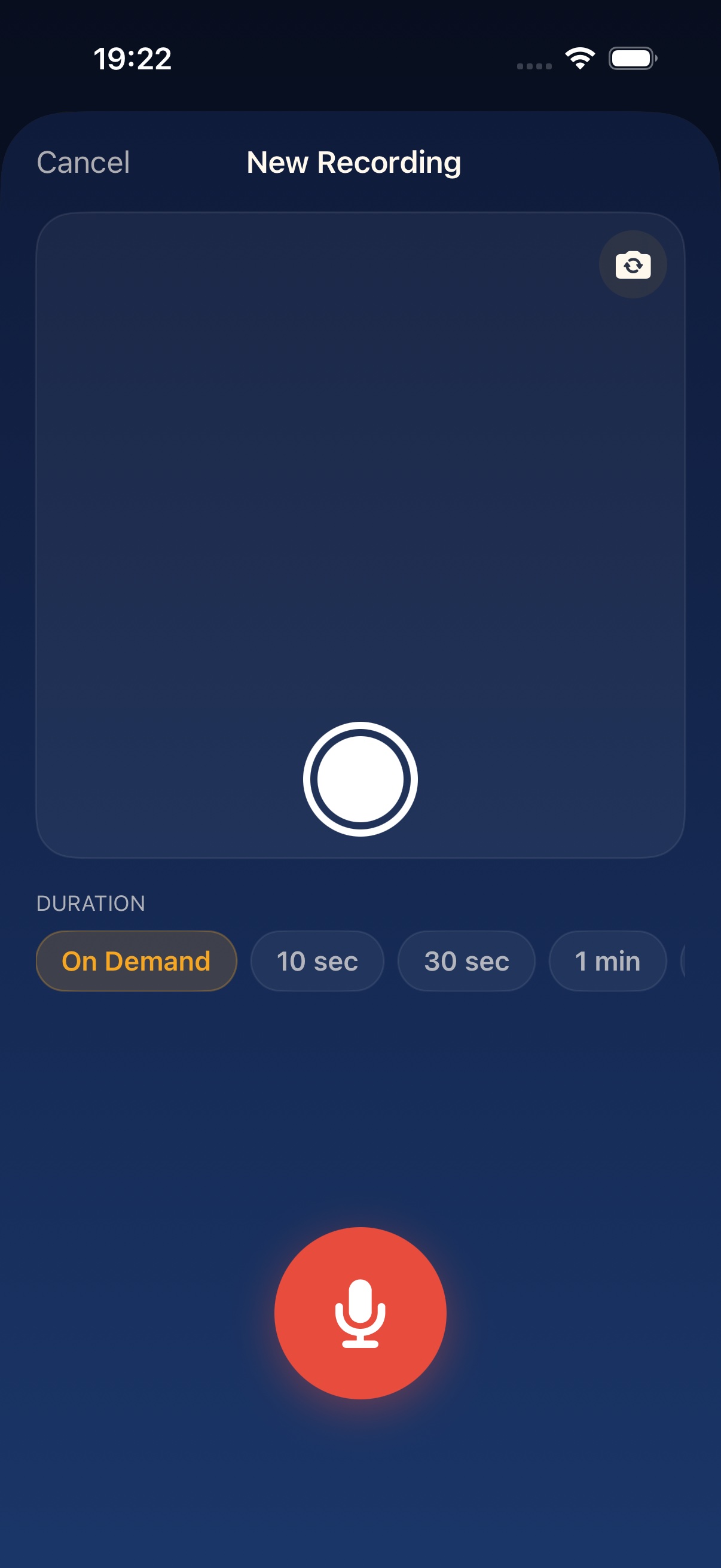
One tap to record. Add a photo and your location for full context, or keep it audio-only. It's ready when you are.
Find the sounds of a trip or a familiar neighborhood where they were captured.
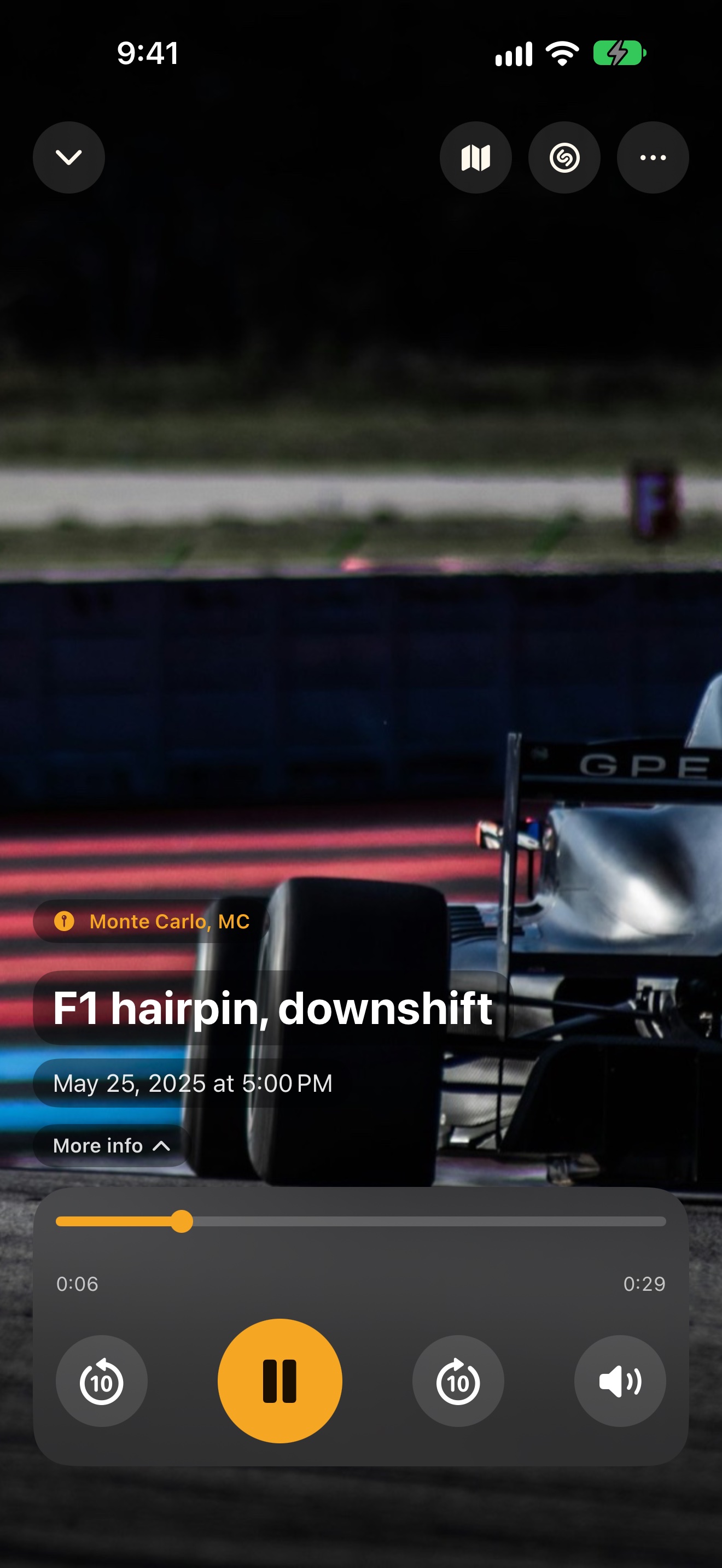
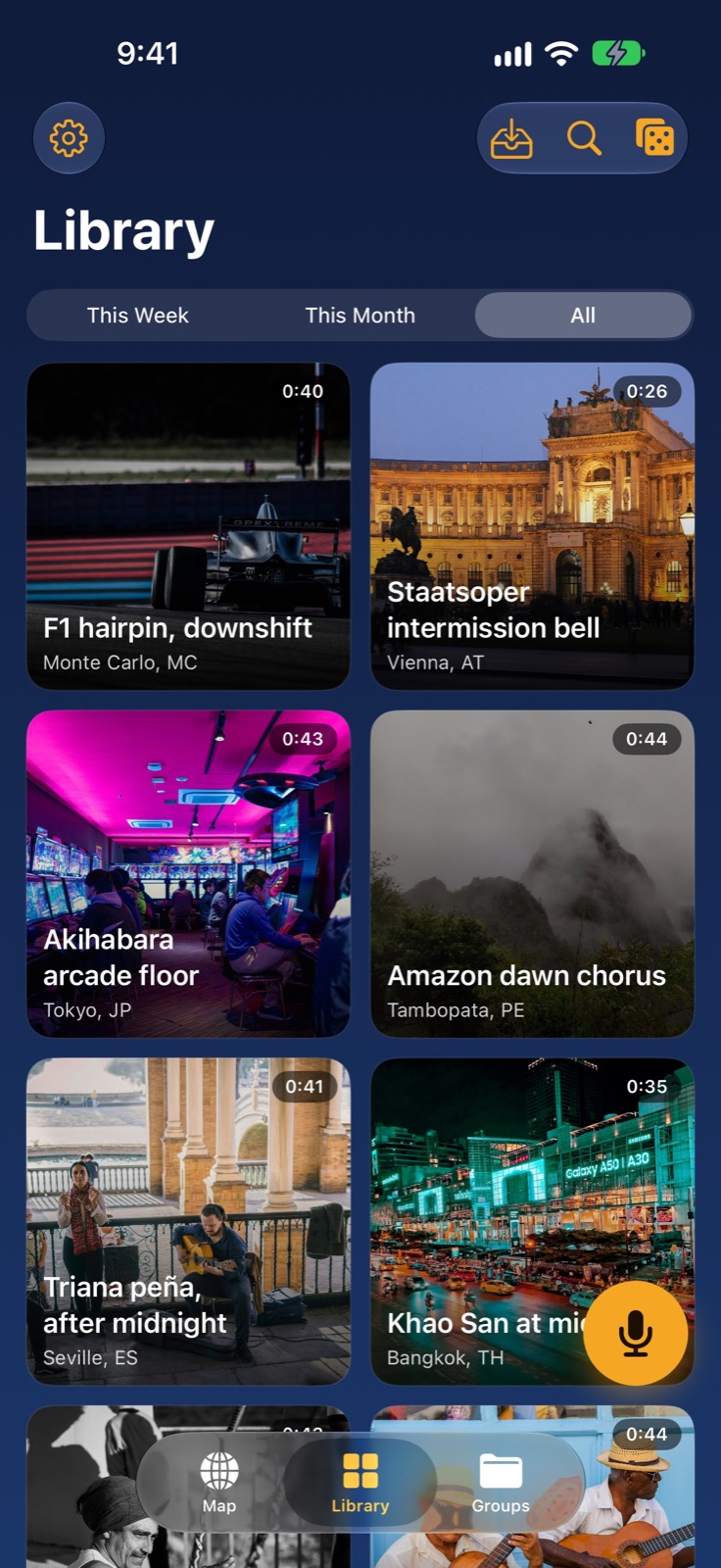
List, grid and full-screen playback with the photo as the backdrop — your whole archive, beautifully browsable.
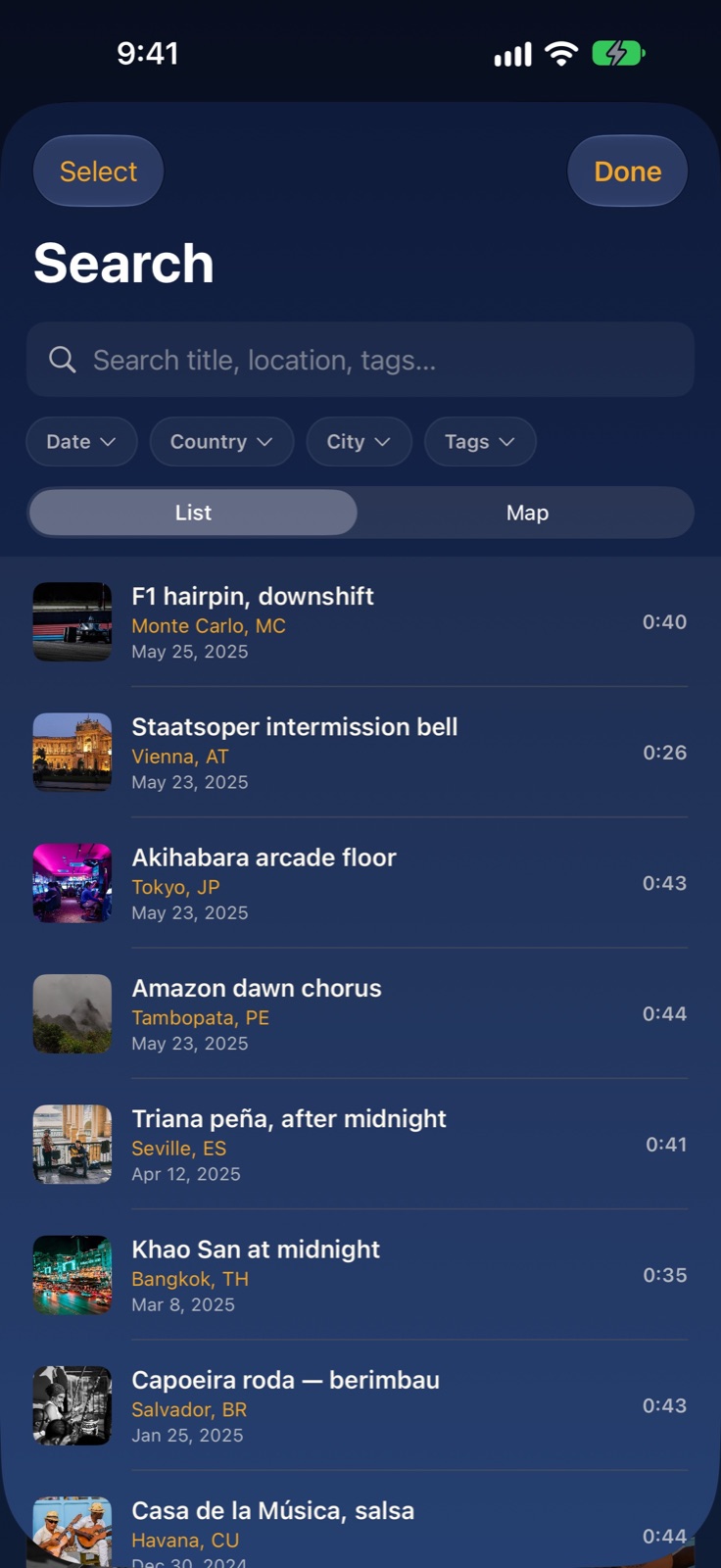
Find any moment by title, place, tags or date. The whole library is instantly searchable.
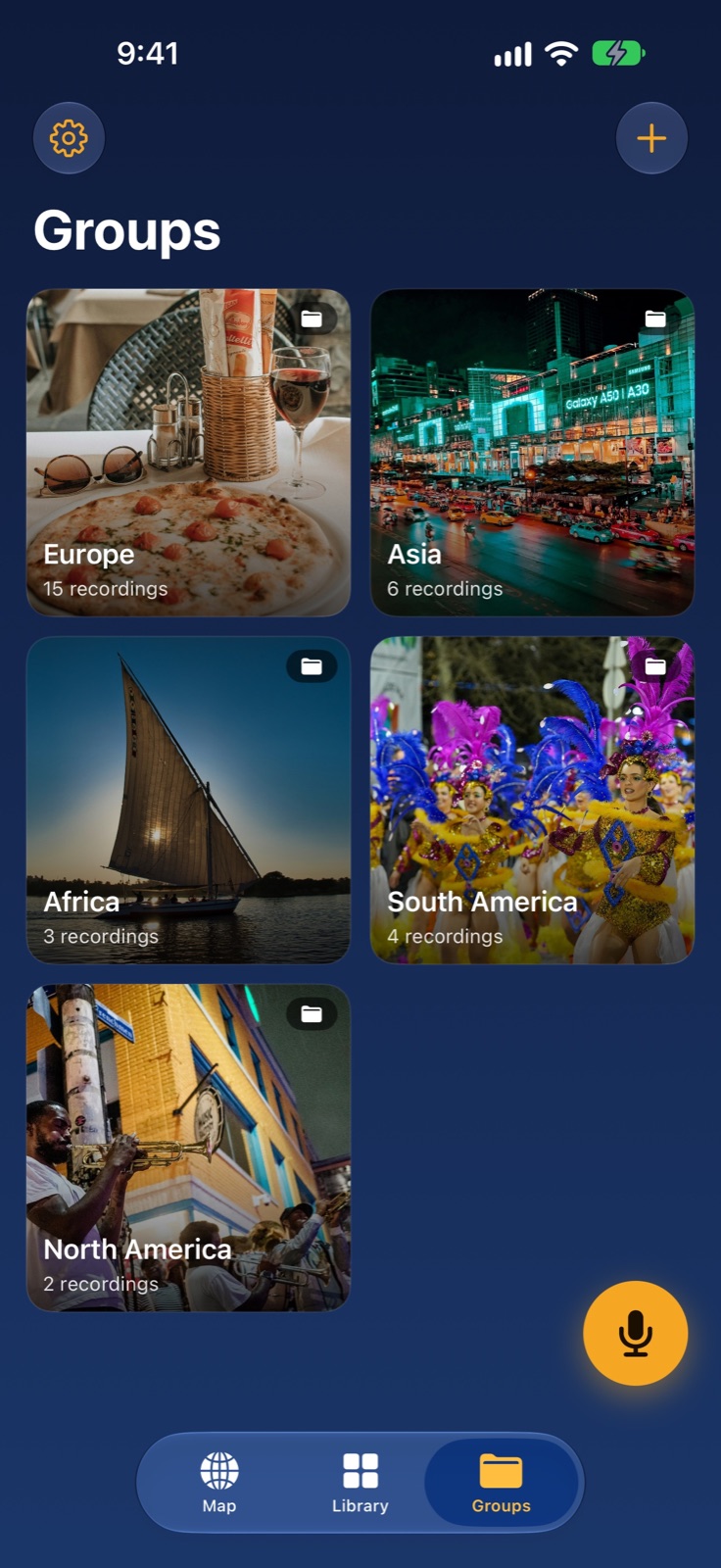
Bundle related recordings into collections — a trip, a season, a mood — each with its own generated map illustration.
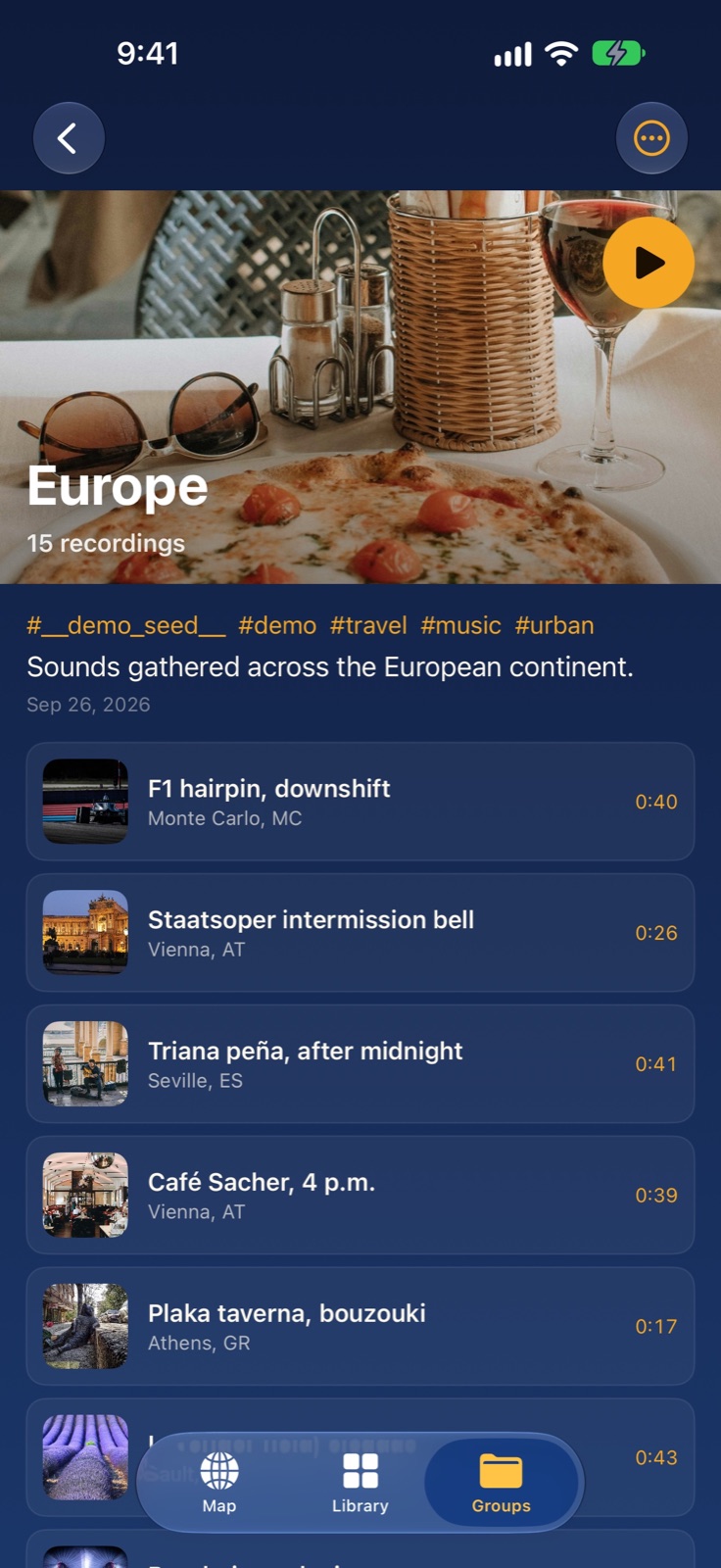
Inside a group, see every recording on a map, play them as a playlist, and share the whole set as a .soniclib bundle.
Play a recording full-screen over its photo, scrub the waveform, and read the notes, tags and location you saved.
Every recording with a GPS tag can hand you turn-by-turn directions back to the place it was made. Long-press a card in your library, tap the “…” menu on Playback, or tap the pin on the in-app map, then choose “I want to go there”. Apple Maps opens by default; if Google Maps is also installed you can pick your preferred app each time.
These features are available in the current App Store release, version 2.1.4.
A quicker way to start, clearer feedback while you record, and more room to listen.
The app supports 13 languages, including Traditional Chinese, Korean, Thai and Vietnamese.
Start audio automatically, watch the two-second photo countdown, and take a replacement photo while recording. Check your microphone, input level and elapsed time down to milliseconds.
Start with the waveform widget, a Lock Screen control, the Action button or a shortcut. Follow the recording on the Lock Screen and Dynamic Island, and stop it there. Stopped recordings are kept as editable drafts, even without a title; Discard removes the draft.
Tap the location arrow to explore your city; hold it to zoom to your current location. Connect a group's recordings with dashed lines only when you choose to. Playback returns you to your previous map view when it finishes.
With Reduce Motion enabled, map zooms and pulsing pins give way to a calmer view with a distinct playing-pin color.
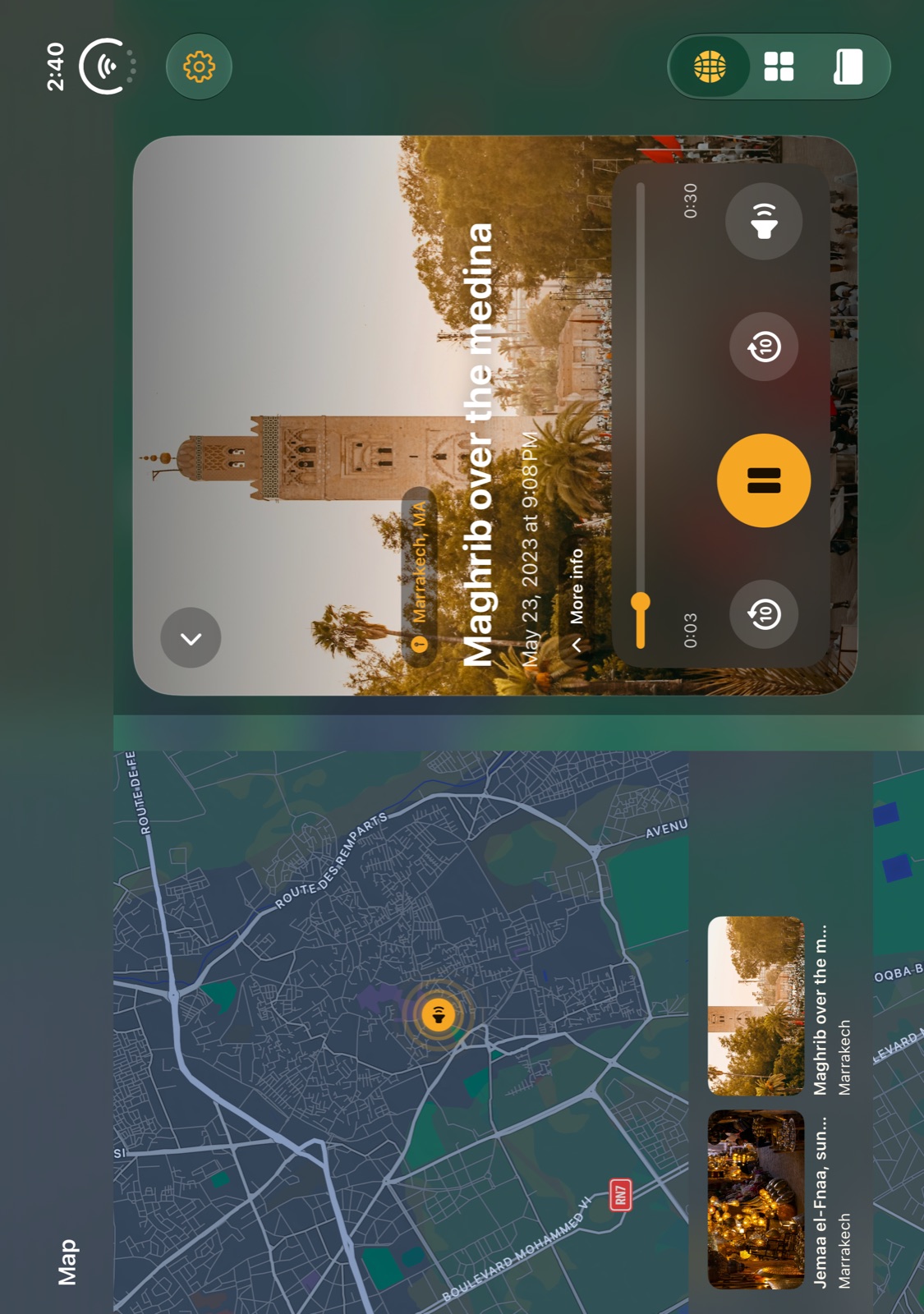
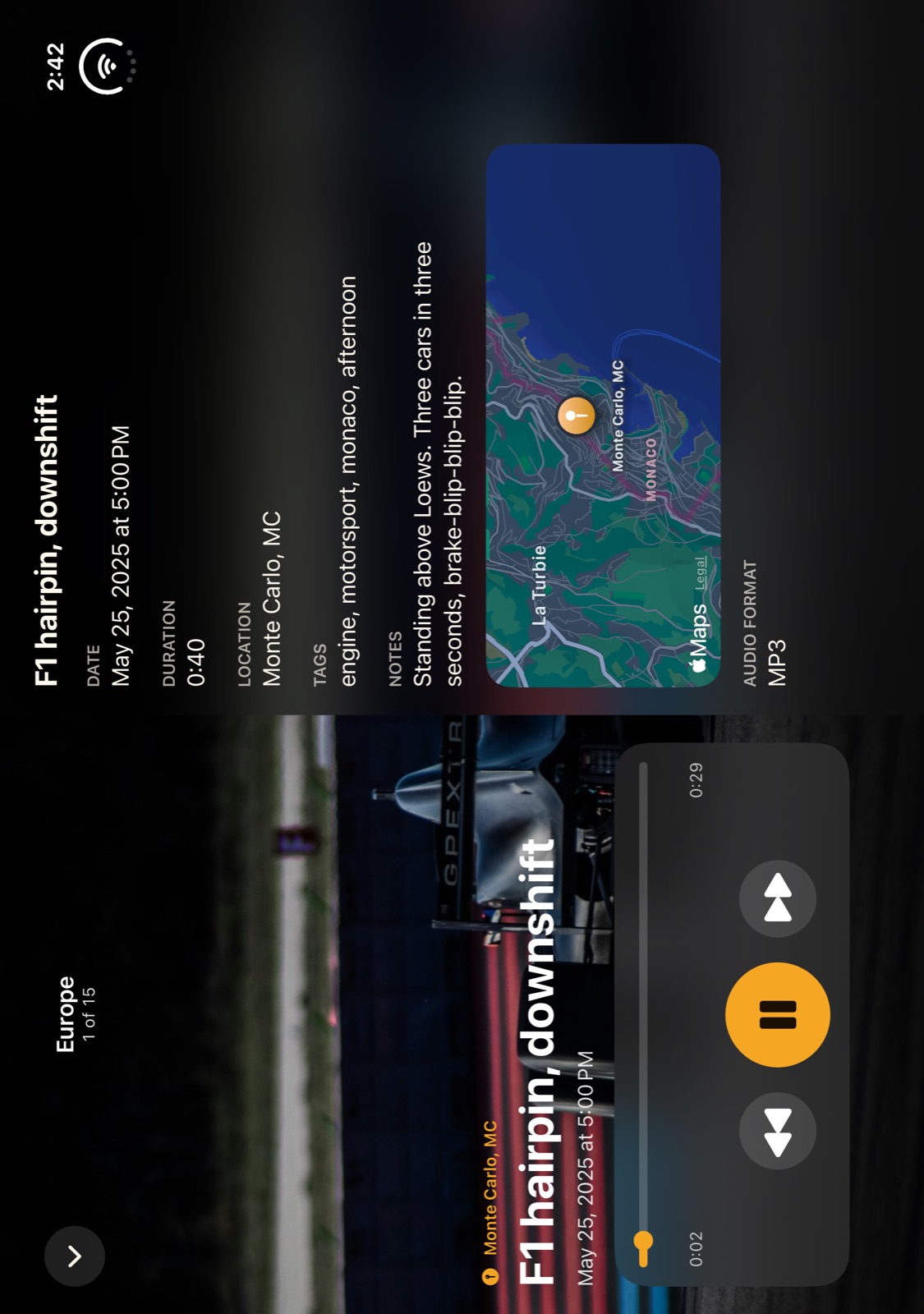
iPhone Duo simulator captures; these examples show the English interface. Tap an image to view it larger.
Your private library stays on your device and in your own iCloud account. Sharing and music identification happen only when you choose those features. Ekkos does not sell personal data or track your audio for advertising.
Audio, optional photos, location and the titles, tags and notes you enter are stored on your device.
Recordings added to a shared group make their audio, photo, title, date, location and your display name available to its members through CloudKit.
Microphone access is needed to record.
Live Activities show recording status on the Lock Screen and Dynamic Island until ended.
The contact form sends your name, email address, message and optional app version to our support inbox through Cloudflare.
Delete recordings in the app to remove local and private-iCloud copies as sync completes.
Keep up to 10 recordings for free. An optional one-time Lifetime purchase unlocks unlimited recordings and removes the Sound Postcard watermark. Check the App Store for your regional price.
Ekkoes requires iOS 18.6 or iPadOS 18.6 or later. The Action button, Dynamic Island and certain controls depend on the device.
English, French, Italian, Spanish, Portuguese, German, Japanese, Simplified Chinese, Hindi, Traditional Chinese, Korean, Thai and Vietnamese.
You can record and listen to locally stored sounds without a connection. iCloud synchronization requires an iCloud account and connectivity; shared groups also use Sign in with Apple. Music identification requires a connection.
Create a vertical Sound Postcard video with one of three layouts, or share an audio file. Export a recording or a group as a .soniclib archive with its associated content.
Capture an atmosphere or a voice without having to add an image or a place.
Ekkoes
Keep a familiar voice, a place you visited or the atmosphere of an ordinary day.
Download on the App Store ↗