Ekkoes: Sound Map Recorder
A place for every sound you want to keep.
Build a personal sound archive, from a travel sound journal to family stories and everyday ambience. Ekkoes keeps recordings, photos and places together so you can find and hear each moment again.
Available in version 2.1.1. Some controls depend on your device; iCloud sharing and online services require a connection.
Download on the App Store ↗Record audio, with an optional photo and location
Capture an atmosphere or a voice without having to add an image or a place.
- Record manually or choose 10 seconds, 30 seconds, 1 minute or 3 minutes.
- Use the front or rear camera; retake a photo while audio continues. Add GPS only if you choose.
- See the active microphone, input level and elapsed time; configure automatic audio and photo capture.
Start quickly and keep your drafts
Reach the recorder when a moment happens, then finish its details later.
- Start with Siri, Shortcuts, a widget, a Lock Screen control or the Action button on compatible iPhones.
- Follow and stop a recording from its Live Activity on the Lock Screen or Dynamic Island where supported.
- Keep a stopped recording as an editable draft, even without a title; discard it when you do not want to keep it.
Organize and search your sound archive
Give each recording enough context to recognize it months or years later.
- Edit its title, tags and notes; change or remove its photo and adjust cropping, zoom or mirroring.
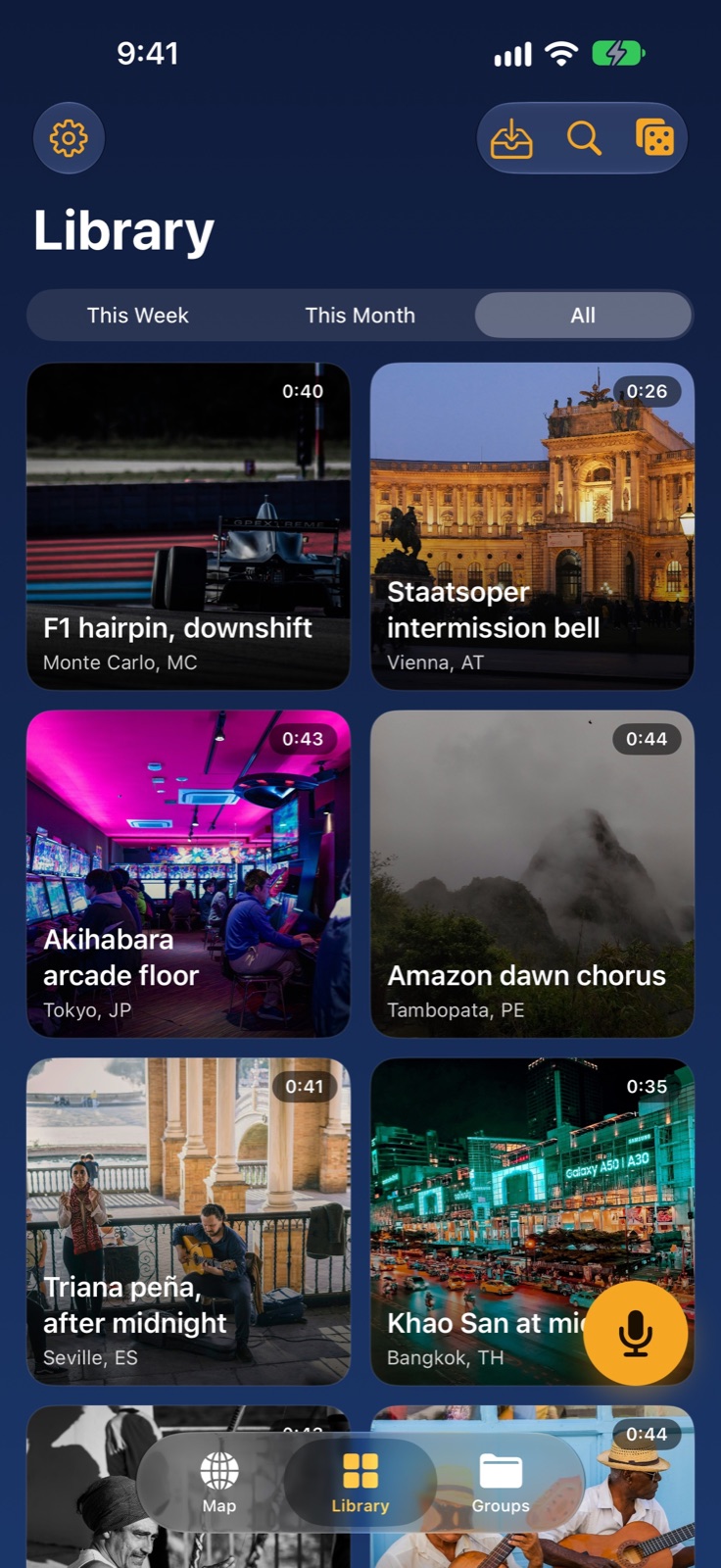
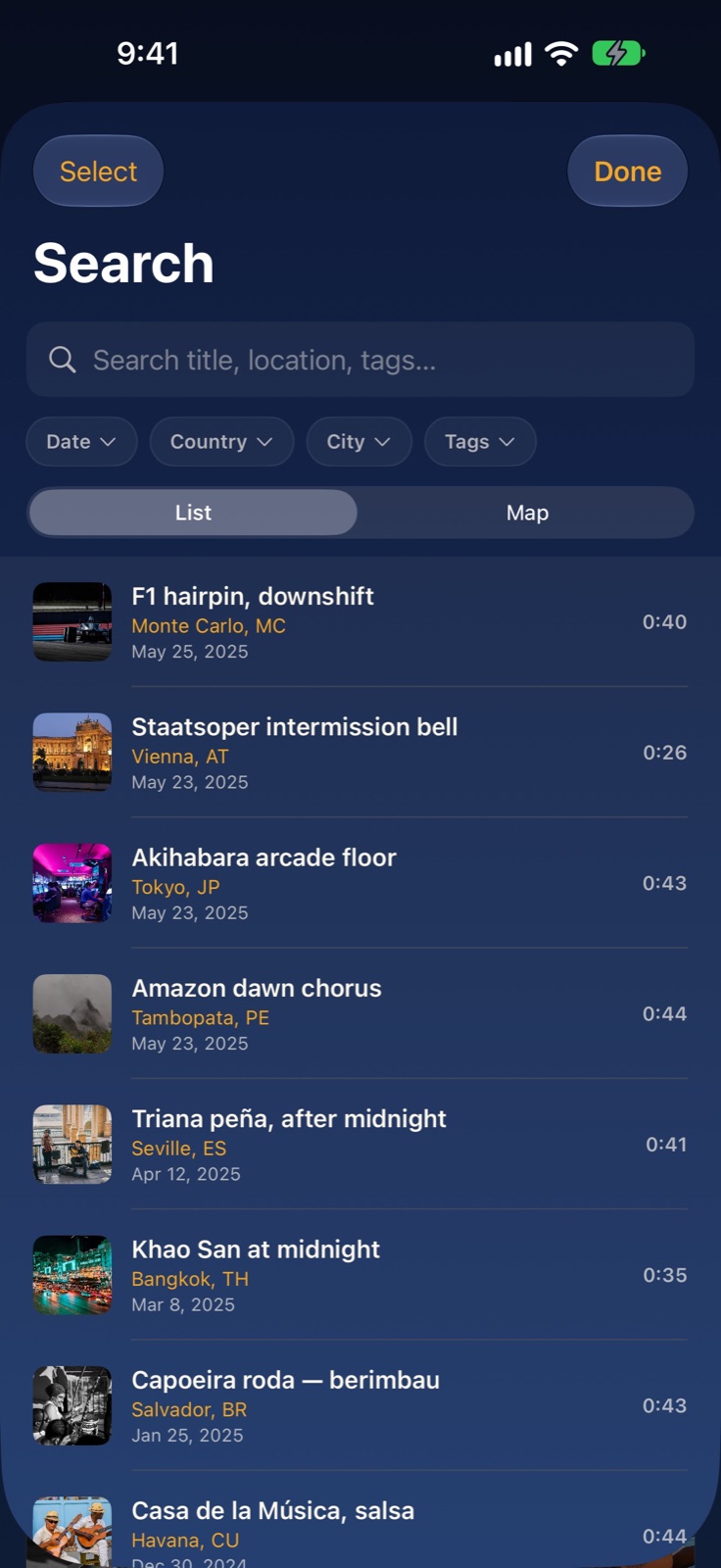
- Browse your visual library and search titles, cities, countries, notes and tags.
- Narrow results by place, tag or date, and browse recordings by week, month or across your library.
Explore your personal sound map
Find the sounds of a trip or a familiar neighborhood where they were captured.
- Play geolocated recordings from map pins and choose whether to show points of interest.
- View a group on a map and optionally connect its recordings in chronological order.
- Get directions with Apple Maps, or choose Google Maps when it is installed.
Listen with photos and identify music
Return to a moment through its sound and image.
- Use immersive photo playback, move along the track, skip back or forward 10 seconds and choose an audio output.
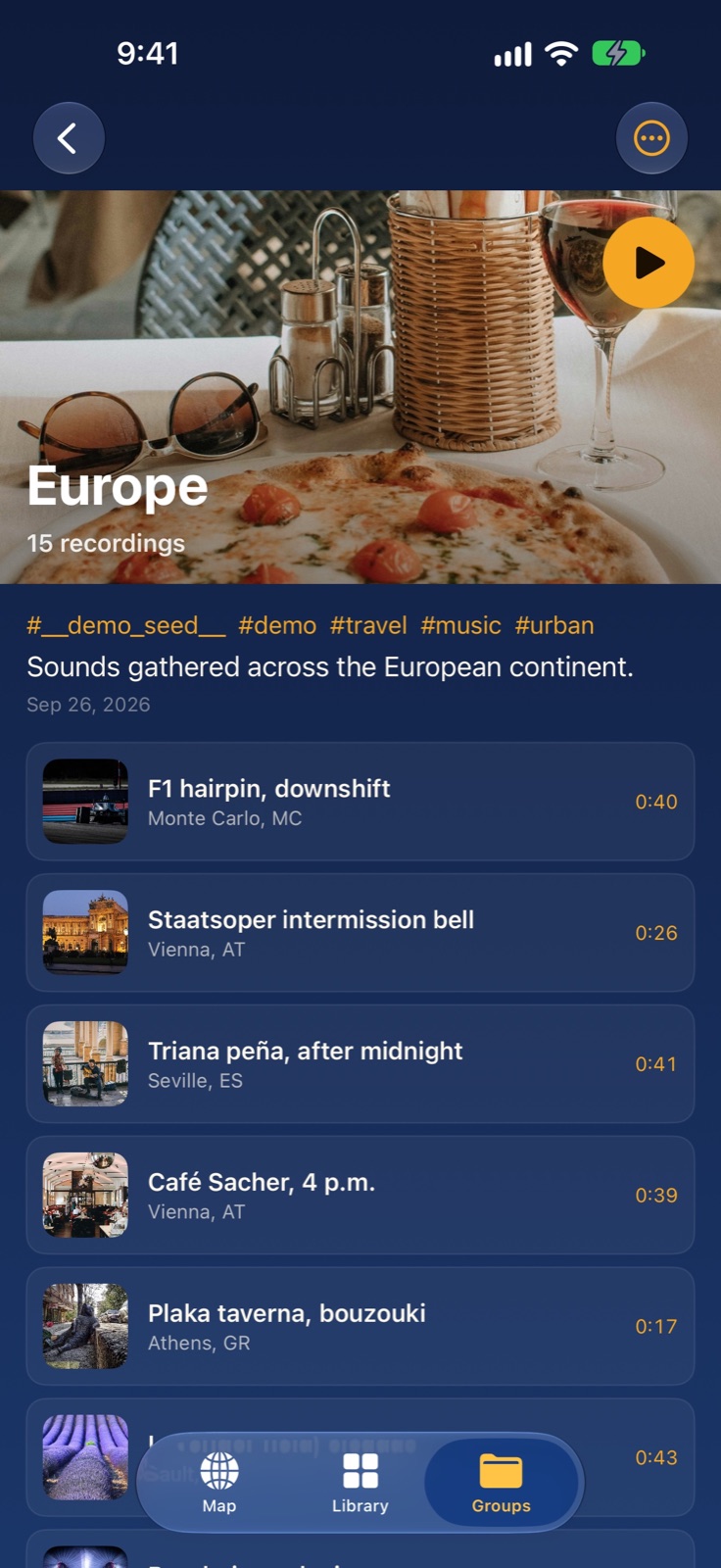
- Move between recordings, configure automatic playback and listen to groups as playlists that advance automatically.
- Ask Shazam to identify music in a recording; open a matched track in Apple Music when available.
Enhance audio on your device
Make a quiet voice or a windy recording easier to hear while keeping the original.
- Choose Trim Silence, Voice Focus, Wind & Noise, Amplify, Reduce or Music Polish.
- Compare before and after, then apply several effects in sequence.
- Restore the original audio when needed; enhancement runs on the device.
Build collections alone or together
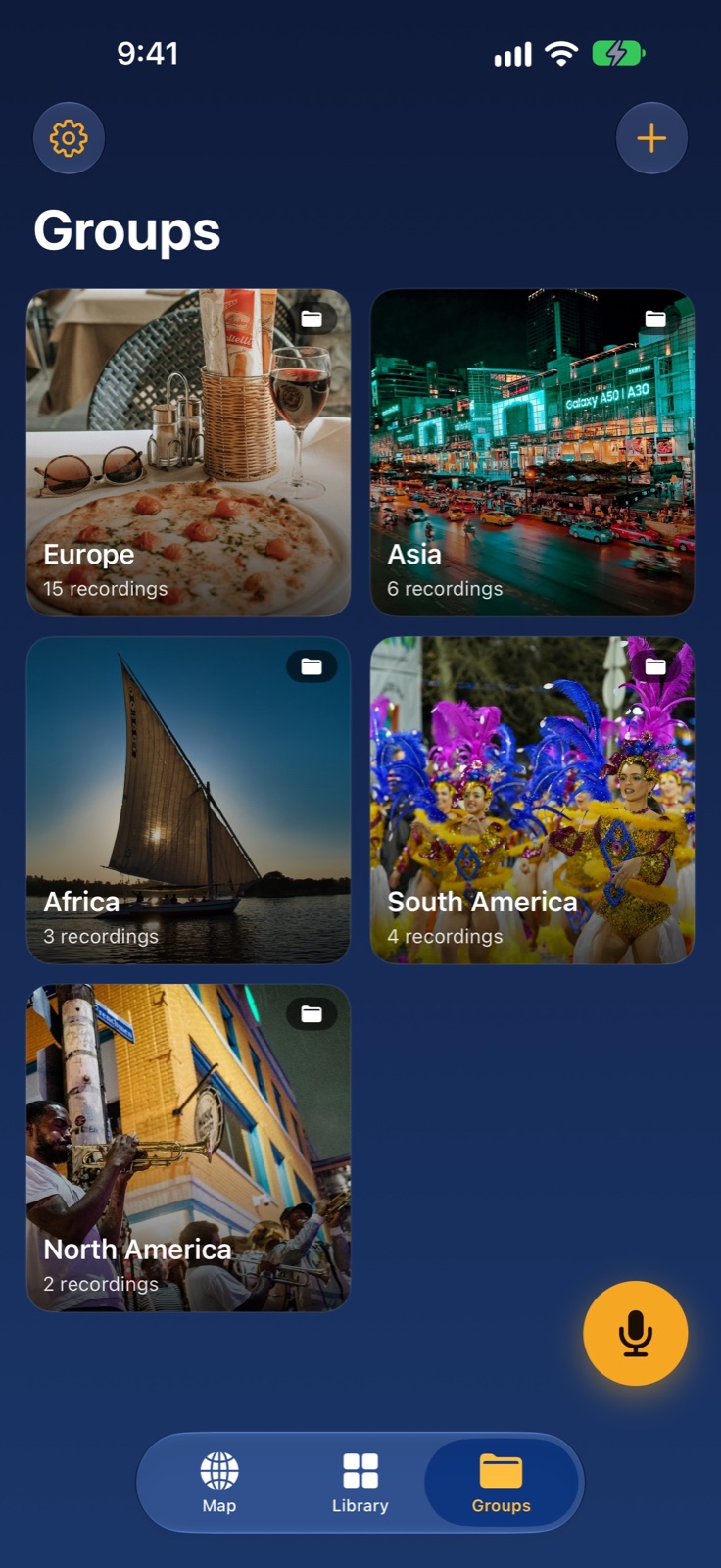
Bring a trip, a family or a project into one group.
- Add recordings, tags and notes; choose a photo or map cover and listen as a playlist.
- Invite people to an iCloud shared group using Sign in with Apple; allow contributions or choose read-only access.
- See new recordings, receive optional notifications and manage members and sharing.
Share Sound Postcards and import memories
Choose a share format that fits the person receiving it.
- Create a vertical Sound Postcard video with one of three layouts, or share an audio file.
- Export a recording or a group as a .soniclib archive with its associated content.
- Import .soniclib archives and Ekkoes Sound Postcard videos. Audio-only exports cannot be imported back into the app.
Rediscover sounds without searching
Let an older recording find its way back into your day.
- Show memories in a Home Screen widget, rotating recordings or highlighting this day.
- Enable Sound Anniversary notifications one, two or three years after a recording.
- Use Surprise Me to rediscover a recording from your library.
Keep control of your library
Your personal archive stays on your device and in your private iCloud account; sharing is your choice.
- Record and listen to locally available audio offline. Syncing, shared groups, maps and Shazam use their respective services.
- Choose camera, photo and location permissions; microphone access is required to record. No advertising or advertising tracking of your sounds.
- Use VoiceOver, larger text and Reduce Motion; choose the language in the app settings.
See your sound library
Practical questions
Is Ekkoes free?
Keep up to 10 recordings for free. An optional one-time Lifetime purchase unlocks unlimited recordings and removes the Sound Postcard watermark. Check the App Store for your regional price.
Which devices are supported?
Ekkoes requires iOS 18.6 or iPadOS 18.6 or later. The Action button, Dynamic Island and certain controls depend on the device.
Which languages are available?
English, French, Italian, Spanish, Portuguese, German, Japanese, Simplified Chinese, Hindi, Traditional Chinese, Korean, Thai and Vietnamese.
Do I need an account or an internet connection?
You can record and listen to locally stored sounds without a connection. iCloud synchronization requires an iCloud account and connectivity; shared groups also use Sign in with Apple. Music identification requires a connection.